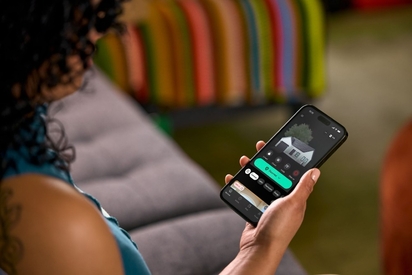
The Vivint Smart Home app is the best home automation app on the market—and we have the reviews to prove it.
Are Smart Locks Safe?
Keeping your home secure from burglars and break-ins is a top priority. One of the first lines of defense is solid door locks that provide a complete sense of safety, and smart locks do just that.
With modern technological advancements, smart locks are safe, and becoming an increasingly popular way to secure your home. These electronic locks utilize wireless communication protocols that allow you to lock or unlock your front door without a physical key.
This guide provides an overview of how smart locks work, plus their benefits, security features, and potential vulnerabilities, so you can decide if they’re the best smart locks for your home.
How do smart locks work?
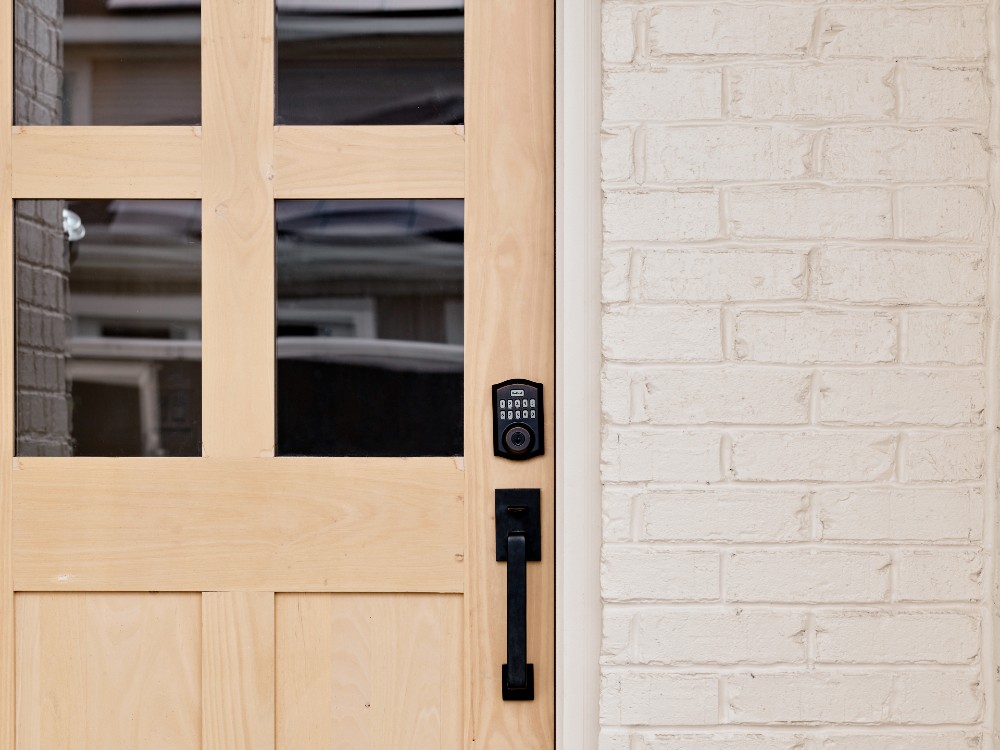
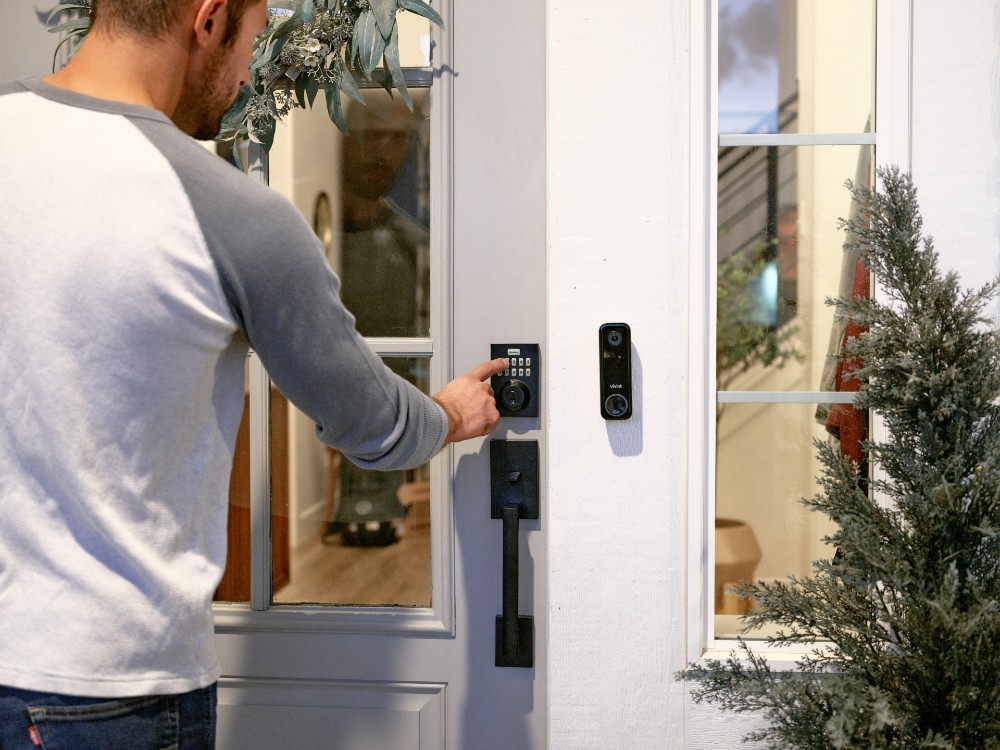
Smart locks may look like traditional locks on the outside, but their internal function is far more advanced. Instead of relying on a key, they unlock using smartphone apps, biometric scanners, or keypads.
You can operate smart door locks using:
- Biometric authentication (e.g., fingerprint recognition)
- Mobile apps
- Touchscreens
- Keypads
- Keycards or key fobs
- Voice control via Alexa or Google Assistant
These connected devices use wireless protocols such as Bluetooth, Z-Wave, and Wi‑Fi. Bluetooth and Z-Wave are great for close-range use, while Wi‑Fi connectivity allows for remote access anywhere with an internet connection.
Related article
Guide to Smart Keys and Smart Locks for Your Doors
Are there different types of smart locks?
Choosing the right smart lock depends on your living situation. Retrofit locks work with your existing deadbolt, making them ideal for renters. Full replacement smart locks offer stronger security measures and deeper compatibility with smart home devices. They replace your traditional locks entirely, requiring a new interior and exterior keyhole and deadbolt, complete with a new set of spare keys (in the rare case of malfunction).
Vivint smart locks integrate with security cameras, doorbell cameras, and other smart home automation systems to prevent unauthorized access.
Learn more in the Vivint smart lock buying guide.
Smart lock features and capabilities
Today’s smart locks are more than just upgraded locks—they're intelligent systems designed for peace of mind and control.
Key security features include:
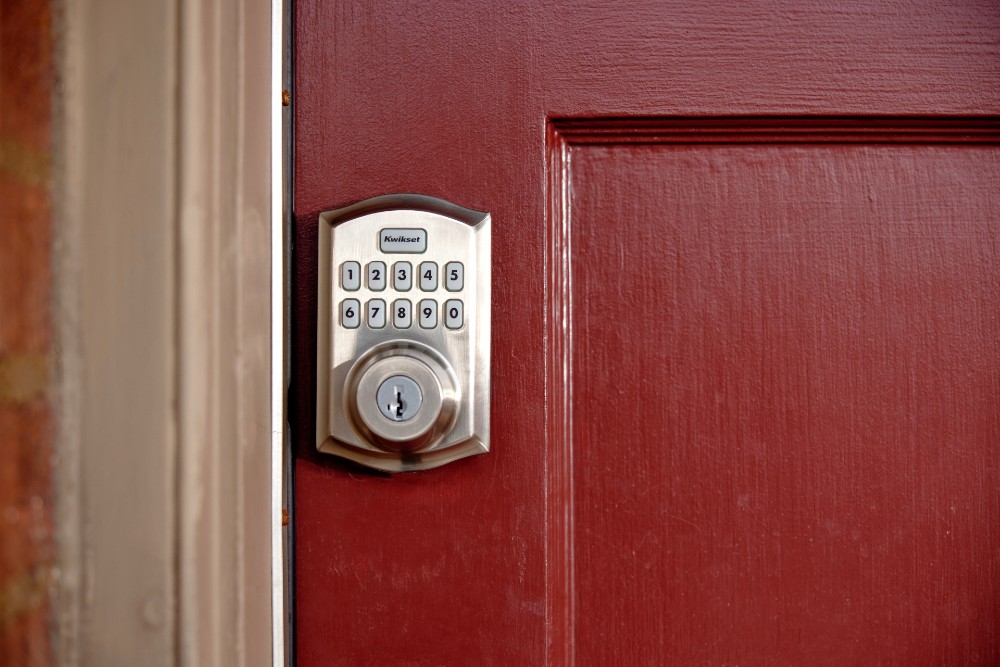
- Keyless entry
- Remote access via Wi‑Fi or an app
- Customizable access codes for guests or service providers
- Notifications and activity logs
- Auto-locking settings for added protection
- Tamper alerts to stop potential burglars
These features make smart locks one of the most impactful home automation upgrades for homeowners.
Related article
8 Reasons to Consider Automatic Locks for Your Home
What are the benefits of smart locks?
Smart locks do more than just secure your doors—they bring a new level of control, convenience, and connectivity to your home. Whether you're managing access for guests, syncing with your smart home system, or simply avoiding the hassle of keys, smart locks offer a modern solution to everyday security concerns. Below, we break down the top benefits of smart locks and how they can simplify your life.
Convenience and accessibility
No more hunting for spare keys or worrying about lockouts. Smart locks allow you to unlock with a smartphone app, voice command, or fingerprint.
This is beneficial when you want to avoid carrying a key, have your hands occupied, or have to grant access to visitors. It also eliminates the need to duplicate keys or rekey locks, saving money on locksmiths and increasing the security of your home.
Remote access and control
Smart locks let you connect your lock to smart devices such as smartphones, tablets, and computers, giving you remote control. Voice assistants like Amazon Alexa or Apple Siri can also manage your lock system from anywhere. Whether you’re traveling or at work, you’ll receive notifications about who’s coming and going.
Smart home integration
Smart locks can significantly improve your home’s overall security and convenience by providing multiple integration options with other home gadgets.
Integration with home security cameras lets you monitor who enters your home, view recorded footage, or even communicate with guests before unlocking your front door.
In addition, you can program smart locks to regulate lighting or adjust the thermostat, enabling you to create custom routines such as turning off all lights and lowering the thermostat when you leave.
Do smart locks have risks?
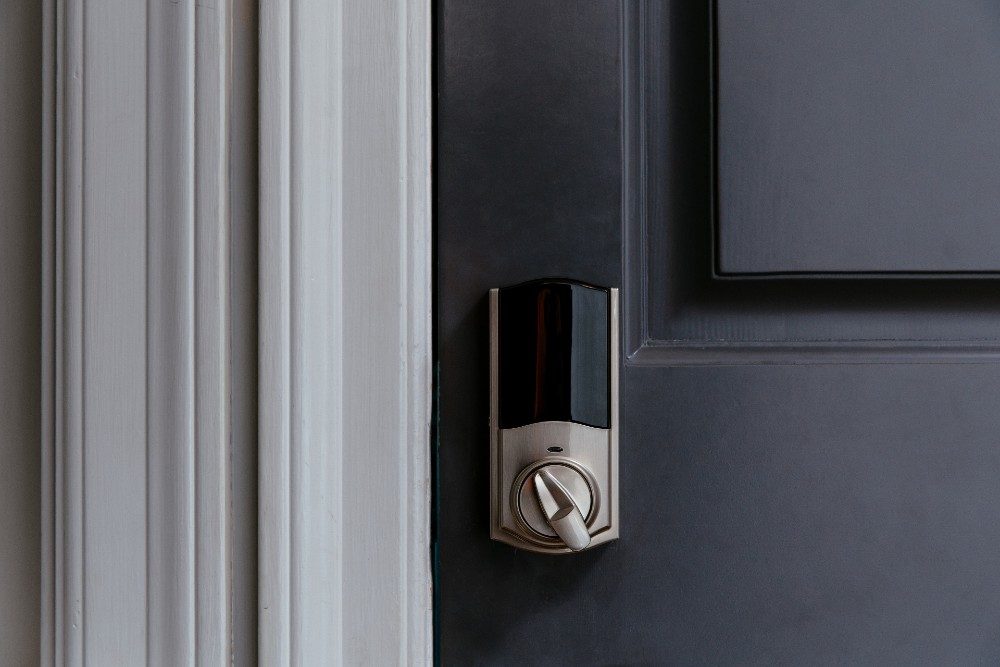
While smart locks offer impressive benefits, it’s important to understand the potential downsides. Like any connected device, smart locks come with cybersecurity vulnerabilities and occasional technical hiccups. From hacking attempts to Wi-Fi dropouts, knowing the risks—and how to prevent them—can help you stay one step ahead and keep your home secure.
Technical issues
Battery drain, Wi‑Fi disconnection, or software bugs can impact performance. Proper setup and maintenance help ensure reliability.
Power failures
If the lock relies solely on Wi-Fi or electronic access and loses power during an outage, you may be temporarily locked out—unless there’s a manual key or backup battery option.
App or device dependency
If your smartphone is lost, stolen, or the app crashes, it could be difficult to gain entry. Access recovery varies by brand and setup.
Physical tampering
While smart locks can be more secure than traditional locks, they are not immune to physical break-ins. If the hardware is low quality or poorly installed, it may still be vulnerable to brute-force attacks or lock bumping.
Hacking
Despite significant advancements in smart technology, it is still possible to have your electronic devices hacked. Hackers may compromise the Bluetooth connection, breach the Wi-Fi network, or access phone data, leading to unauthorized control of the lock.
Regularly update smart lock firmware, smartphone apps, and applicable passwords to increase your lock’s security. Utilize two-factor authentication on web and mobile apps to further increase security.
Related article
Zigbee vs. Z-Wave: What’s the Difference?
How can I improve smart lock security?
Securing your smart lock doesn’t require complex tools—just smart habits. You can significantly reduce any risks with proper precautions and measures.
Use strong passwords
Using a strong password is one of the most critical measures for securing smart locks. Avoid creating weak passwords, such as simple phrases, important dates, or number chains like “123456,” as they are easy to hack.
To create a strong password, use a combination of upper and lower case letters, numbers, and special characters to increase the complexity and security of your system.
It is also crucial to keep your passwords confidential. Ensure your smart lock passcode differs from your other account logins, and change your password regularly. These steps effectively reduce the risk of criminals compromising your smart lock.
Regularly update firmware and software
Keeping your software systems up-to-date is vital for maintaining optimal performance and security. This involves updating your smart lock’s operating system, which can enhance connectivity speed and reliability.
It is also important to update the lock’s firmware, which you can do conveniently from your smartphone. Doing so can improve the lock’s motor controls and auto-locking mechanisms, ensuring optimal functionality.
In addition to updating the lock’s software, keeping the connected smart device updated is crucial to maintain efficient operation. Install all app and operating system updates promptly. These steps ensure the smart lock works seamlessly with your phone without performance or security issues.
Avoid connecting to public Wi-Fi networks
Connecting to public Wi-Fi networks can be risky as hackers can steal your information or install malware to control your apps and smart locks. It’s best to utilize private Wi-Fi networks secured with a strong, personalized password.
Another way to enhance online security is using a virtual private network (VPN). VPNs offer an extra layer of protection by masking your IP address and encrypting your data, making it difficult for cyber attackers to access your information.
Read Vivint’s expert guide: Guide to Smart Keys and Locks
Discover Vivint smart lock systems
Vivint offers some of the best smart locks on the market. Enjoy advanced features like auto-lock, voice activation, and guest access seamlessly integrated into a comprehensive home security system.
Ready to protect your front door and beyond? Give us a call at 855.822.1220 to get a free quote today.
Get a free quote today.
A Vivint Smart Home Pro will contact you within 24 hours. Or skip the form and call now: 844.481.8630.
Everything works together
Combine products
for a safer home
You may also like:
Smart Home
Vivint App Reviews (2026)
Oct. 15, 2026
Smart Home
Smart Home for Detached Structures: Securing Sheds, Workshops, Barns & Outbuildings
Your security stops at the back door. Here's how to secure every detached structure on your property, from sheds to barns.
Oct. 08, 2026
Smart Home
Smart Door Lock vs. Traditional: Which Offers Better Security for Your Home?
Smart door lock vs. traditional lock: compare cost, security features, remote access, and key control to choose the best lock for your home.
Sep. 11, 2026
Related Content
-
9 Reasons Electronic Door Locks Are Safer Than Traditional Locks
Learn how electronic door locks can keep you and your loved ones safer with automation, remote access, integrations, and more.
-
Smart Door Lock vs. Traditional: Which Offers Better Security for...
Smart door lock vs. traditional lock: compare cost, security features, remote access, and key control to choose the best lock for your home.
-
Everything You Need To Know About Emergency Override for Keyless...
Learn all about emergency overrides for keyless entry locks, including solutions for battery failures, security tips, and manual override methods.


