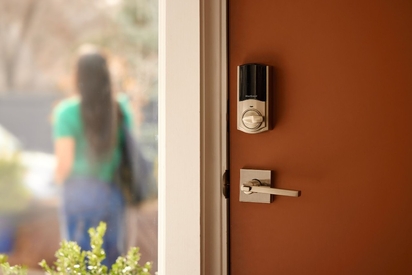
Smart door lock vs. traditional lock: compare cost, security features, remote access, and key control to choose the best lock for your home.
What Is a Smart Home?
Quick answer: A smart home is a home equipped with smart devices—internet-connected tools that automate tasks and can be controlled from anywhere with a smartphone.
Key takeaways
- A smart home connects everyday devices (lights, locks, thermostat, cameras, alarms) to a central app or hub, so you can control them remotely or by voice.
- The U.S. smart home market is now around $54 billion a year, with 29% of US households projected to use smart home devices by 2027.
- The strongest setups use one ecosystem (a Vivint Smart Hub, Apple Home, Google Home, or Amazon Alexa) tied together with an open standard like Matter or Thread for cross-brand compatibility.
- Smart thermostats alone can cut energy use by 8% on a typical home.
- Pro install with 24/7 monitoring is the path of least resistance. The alternative is piecing devices together yourself with DIY tools.
A smart home is a residence where some household items—lighting, locks, thermostats, security cameras, alarms—connect to the internet and to each other through a central hub or app, allowing homeowners to control, automate, and monitor their home remotely or by voice.
A smart home is a house where the things you used to flip a switch for now talk to your phone. The lights, the locks, the thermostat, the cameras, the smoke detectors. Each one is internet-connected, each one can be controlled from anywhere, and the strongest of them learn your daily routine and start anticipating it.
By 2027, about 29% of U.S. households are projected to use smart home devices, according to Market.us research, with the U.S. market sized at roughly $54 billion. That share has been climbing for a decade, but this is the first year a majority of American households are running at least some part of their home through an app.
This guide covers what a smart home actually is, how the pieces fit together, the device categories that matter (security systems, smart speakers, smart home security systems, smart home products that automate the everyday), the differences between a "smart" home and a merely "connected" one, the benefits, how to build one step by step, and whether it's worth the spend in 2026.
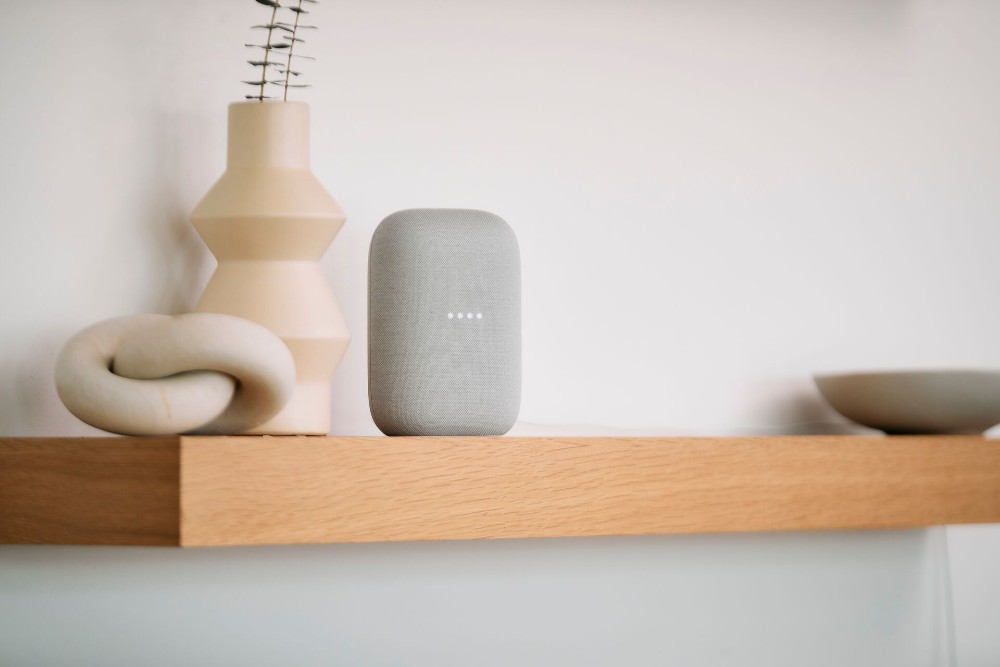
What is a smart home?
Quick definition: A smart home is a residence where key household systems and appliances connect to the internet and to each other through a central hub or app, allowing you to control them remotely, automate them on schedules, and integrate them with voice assistants like Amazon Alexa, Google Home, Google Nest, or Apple Home.
This category of smart home technology is part of the broader Internet of Things (IoT), the wider universe of internet-connected devices that includes everything from smart speakers to industrial sensors. The defining feature of a smart home specifically is integration: a smart home is an ecosystem where the devices know about each other, not just a collection of internet-connected gadgets working in isolation.
The five core components of a smart home are:
- Home hub or app: A central control point (like the Vivint Smart Hub, Apple Home, or Google Home) that manages all connected devices from one interface.
- Connectivity: Wi-Fi, Bluetooth, Z-wave, ZIgbee, or Thread protocols that let devices communicate with each other and the hub.
- Smart devices: The devices themselves. Think lights, locks, thermostats, cameras, sensors, and appliances.
- Automation: Schedules and routines that trigger actions automatically based on time, location, or sensor input.
- Voice control: Integration with smart assistants like Google for hands-free commands.
The most common smart-home device categories are:
 Lighting Smart light bulbs, smart plugs, automated lighting schedules. Lighting Smart light bulbs, smart plugs, automated lighting schedules. |
 Climate Smart thermostats, smart vents. Climate Smart thermostats, smart vents. |
|---|---|
 Security Security cameras, video doorbells, motion sensors, door and window sensors. Security Security cameras, video doorbells, motion sensors, door and window sensors. |
 Entry Smart locks, garage door openers, smart doorbells. Entry Smart locks, garage door openers, smart doorbells. |
 Hazard prevention Smoke detectors, carbon monoxide detectors, water leak sensors. Hazard prevention Smoke detectors, carbon monoxide detectors, water leak sensors. |
 Appliances Smart refrigerators, dishwashers, washing machines, dryers, ovens. Appliances Smart refrigerators, dishwashers, washing machines, dryers, ovens. |
What ties them together is a shared standard. Older smart-home setups relied on Wi-Fi, Bluetooth, Zigbee, or Z-Wave, each with its own quirks and compatibility issues. The 2026 update is Matter, an open standard backed by Apple, Google, Amazon, and Samsung that runs on top of Thread or Wi-Fi to let devices from different brands work together natively. See our primer on the Matter smart home standard for the longer story.
Smart home vs. connected home vs. home automation: What’s the difference?
- Connected home: A residence with internet-connected devices that you control individually through separate apps. There is no central integration or automation.
- Smart home: Connected devices are bound into one ecosystem with a shared home hub. This enables automation, routines, and voice commands that link device actions together.
- Home automation: Technology and routines allow the smart home devices to operate automatically based on schedules, triggers, or learned behaviors. Home automation is what makes a smart home “smart.”

How does a smart home work?
Most smart homes work on three pieces: the devices, the hub or app that controls them, and the connectivity that lets them talk. Together, these three pieces turn a stack of standalone gadgets into smart home technology that anticipates the homeowner's daily routine.
- The devices. These are the connected gadgets you actually interact with. Each one has a small computer inside that can take commands from your phone, a hub, or a voice assistant. A smart bulb knows how to turn itself on and off; a smart lock knows how to lock and unlock the deadbolt; a security camera knows how to record and stream video.
- The hub or app. The Vivint Smart Hub is a wall-mounted touchscreen that controls every connected device in the system, with the same controls mirrored in the Vivint app on your phone. Apple, Google, and Amazon each offer their own hub-and-app combinations. The hub is also where you set up routines: groups of actions that happen automatically on a schedule or in response to a trigger.
- The connectivity. This is how the devices reach each other. The good news: you don't need to know which protocol does what. Smart-home devices use a mix of Wi-Fi, Bluetooth, Z-Wave, Zigbee, and Thread behind the scenes, and the hub handles the handshake so you don't have to.
Once those three pieces are in place, the smart-home magic comes from automation. Two methods do most of the work: schedules ("turn the porch light on at sunset every day") and routines ("if motion is detected on the driveway camera after 10 p.m., turn on the floodlights and notify my phone"). Geofencing routines use your phone's location to trigger actions when you arrive home or leave.
For more on what's possible, see our home automation guide.
Related article
Energy Savings Calculator: How Smart Home Products Reduce Your Utility Costs
Types of smart home devices: a 2026 comparison
Here's what each category does in a typical setup.
Smart home device categories at a glance
| Category | What It Does |
|---|---|
| Smart Lighting | Remote on/off, schedules, color and brightness control, motion-based automation |
| Smart Thermostat | Remote on/off, schedules, color and brightness control, motion-based automation |
| Smart Locks | Up to 50 unique access codes, app-based lock and unlock, auto-lock, alarm-system integration |
| Video Doorbell and Outdoor Cameras | Two-way talk, real-time motion alerts, package detection, cloud or DVR recording |
| Indoor Cameras and Sensors (Motion, Door/Window, Glass Break) | Indoor activity monitoring, motion detection, and connected door, window, and glass-break sensors |
| Safety Alarms (Smoke, CO, Water Leak) | Monitored smoke, carbon monoxide, and water leak detection are routed to a 24/7 central station |
| Smart Hub, the App, and Voice Control | Central control, schedules, routines, geofencing, integration with Google Assistant |
| Other Smart Devices that Work with Vivint | Smart appliances (refrigerators, dishwashers, washing machines, dryers) and other connected gadgets that pair with the system using the Matter standard |
Smart home vs. connected home: what's the difference?
Every smart home is a connected home, but not every connected home is smart. The line is automation and intelligence.
- Connected home: Internet-connected devices that you control individually. The smart bulb is on the Wi-Fi, the smart lock is on the Wi-Fi, the thermostat is on the Wi-Fi. They each have their own app, their own login, and their own schedule, but you manage them one by one.
- Smart home: Connected devices bound into one ecosystem with a shared brain. The lock, the thermostat, the lights, and the cameras all talk to the same hub and the same app. Routines link their actions: when the front door unlocks, the alarm disarms, the entry light turns on, and the thermostat warms the room toward your evening preference. The system learns your patterns and starts anticipating them.
The "intelligence" part is what real smart-home systems offer that a pile of connected gadgets does not. Geofencing knows when you've left the neighborhood and arms the alarm. Sensor-driven routines turn on the porch light when motion is detected on the driveway. Voice assistants tie the whole thing into one verbal command. The result is less time managing devices and more time benefiting from them.
Related article
How Much Does Home Automation Cost?
Benefits of a smart home in 2026
The case for going smart is stronger now than it was even three years ago. Five benefits matter most for typical homeowners:
- Energy efficiency: Smart thermostats cut energy usage by 8% on a typical home, according to ENERGY STAR guidance. That's a measurable cost savings on every utility bill, not a marketing claim.
- Security and peace of mind: A monitored security system with 24/7 central-station response means alarm verification and emergency dispatch happen on your behalf, even at 3 a.m. Smart home security systems also bundle door locks, cameras, and security devices into one app and one bill.
- Convenience: Voice control, remote access, and real-time notifications turn the small daily friction points (did I lock the door, is the package on the porch, did I turn the oven off) into one-tap or one-sentence answers.
- Resale value: Smart-home features are now a standard line item in real-estate listings. See our analysis of how a smart home system adds resale value for the longer story.
- Insurance savings Most homeowners' insurance carriers discount premiums 2% to 15% for a monitored security system, Policygenius reports. Smart-home automation systems with water leak detection unlock additional discounts at some carriers.
For the broader benefits, see our 10 advantages of home automation.
If you'd rather skip the research and have someone spec the right system around your home, get a personalized smart-home plan from a Vivint advisor. Free consultation, free professional installation for new customers, and 24/7 professional monitoring starting at $24.99 a month.
Is a smart home worth it in 2026?
The short answer is yes for most households, but the right size system depends on what you want from smart technology in the first place.
If your priority is energy savings, a smart thermostat plus smart lighting pays for itself within one to three years on most utility bills. The ROI is the easiest to model and the easiest to verify. With Smart Comfort on the Vivint Smart Thermostat, you can save up to $300 a year* on heating and cooling costs.
If your priority is security, a monitored system with cameras, sensors, and 24/7 central-station monitoring is the configuration that actually changes how secure your home is. Standalone devices help; an integrated, monitored system helps more. Vivint's monthly monitoring service starts at $24.99.
If your priority is convenience and quality of life, the value is harder to put a number on but easy to feel. Voice-controlled lights, geofencing routines, real-time alerts, and one-app control all sound minor on paper and turn out to be daily improvements in practice. Adoption rates back this up: 47% of millennials own at least one smart home device, and that doesn't happen with gimmicks.
There might also be some disadvantages, though: a full smart-home system requires a strong Wi-Fi connection, ongoing software updates, and reasonable password hygiene to keep the connected devices secure. Internet outages temporarily limit some functions. Privacy is a real consideration; pick a provider with strong encryption and a clear policy on data sharing (Vivint doesn't sell customer data to third parties).
How to build a smart home step by step
Building a smart home doesn't have to happen in one weekend. Most successful setups follow the order below, adding one piece at a time as the budget allows:
- Pick your ecosystem. The hub at the center decides what plays well with what. Three main 2026 options are the Vivint Smart Hub (best for full-home security and automation), Apple Home, or Google Home. Picking one ecosystem first and adding compatible devices afterward avoids the most common mistake people make: buying gadgets that don't talk to each other.
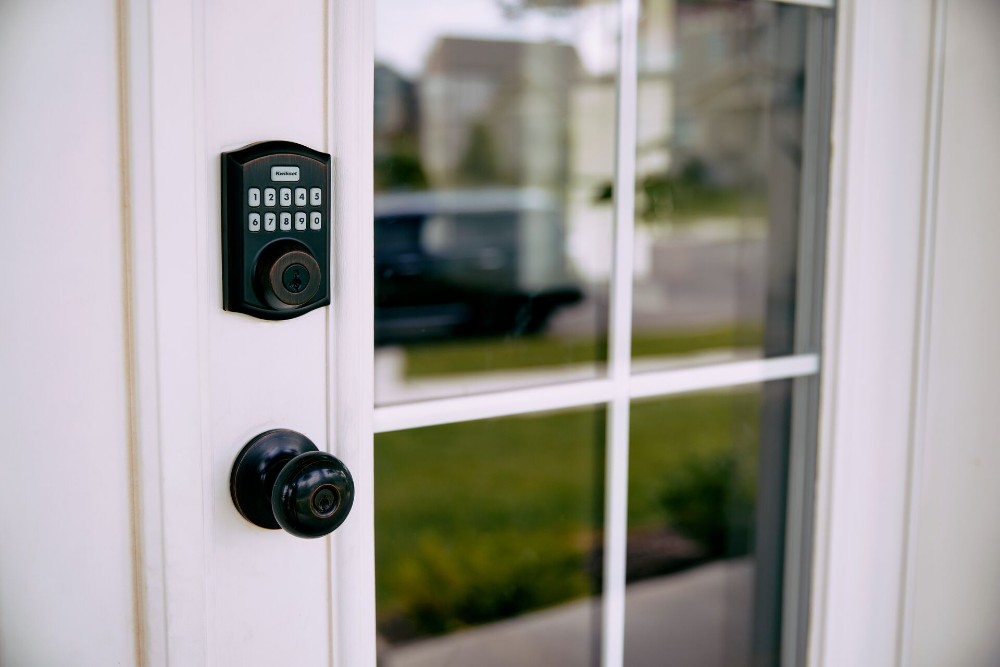
- Start with one high-impact device. A smart thermostat or a smart lock typically delivers the most noticeable upgrade for the lowest spend. Both work as standalone devices and integrate with the rest of the system later.
- Add security devices. Door, window, and motion sensors on every entry point, plus a doorbell camera at the front and an outdoor camera covering the driveway. Connect them to a 24/7 monitoring service so alerts route to a central station, not just to your phone.
- Add lighting and voice control. Smart light bulbs and smart plugs in the rooms you use most, plus voice control through Alexa or Google Assistant. This is the part most people enjoy daily. Schedules and routines start saving real time once lights respond to motion and routines fire off automatically.
- Set up routines and voice commands. Once two or three connected devices are in place, set up your first automation. A "good morning" routine turns on the kitchen lights and bumps the thermostat. A "goodnight" routine locks the doors, arms the alarm, and turns the lights off. Add new ones as you go.
- Activate professional monitoring. The final step is 24/7 monitoring. For Vivint customers, this is included in the package and routes every alarm, smoke detector trigger, and water leak alert to a central station that can dispatch emergency services on your behalf.
If you'd rather have an advisor walk you through the right starting point and handle the install in one visit, head to Vivint.com or give us a call at 855.822.1220 for a free consultation.
Related article
Is Smart Home Tech Worth It?
Frequently asked questions about smart homes
A handful of questions come up over and over with people researching smart-home tech for the first time. Here's what to know.
What does having a smart home mean?
Having a smart home means your key household systems (lighting, locks, thermostat, cameras, alarms) are connected to the internet and to one another through a central hub or app. You can control them remotely from your phone, automate them on schedules, and tie them together with voice assistants. The "smart" part is integration: a smart home isn't just connected gadgets, it's an ecosystem that learns your routines and acts on them.
What is an example of a smart home?
A typical smart home includes a smart hub or app at the center, smart locks on exterior doors, a video doorbell at the front, indoor and outdoor cameras, motion and door/window sensors, a smart thermostat, smart light bulbs in main rooms, and monitored smoke and CO detectors. The devices share a single ecosystem (Vivint, Apple Home, Google Home, or Amazon Alexa), and routines link their actions: unlocking the front door can disarm the alarm and turn on the entry light, for instance.
What are the disadvantages of a smart home?
Three trade-offs to weigh are cost (a full system is typically $1,000 or more up front, plus monthly monitoring fees), Wi-Fi dependency (an internet outage limits some functions), and privacy considerations (connected devices generate data that need to be handled responsibly by the provider).
Pick a provider with strong encryption, professional monitoring, and a clear data policy to mitigate the privacy concern. The cost concern is offset over time by energy savings and insurance discounts.
What's a smart house?
"Smart house" is the same concept as "smart home." Both terms describe a residence where key household systems and appliances are connected to the internet and controllable through a central app or hub. "Smart home" is the more common term in the industry; "smart house" appears more often in everyday speech.
Do smart homes require Wi-Fi?
Yes, most smart-home devices require either Wi-Fi or a hub-based mesh network like Z-Wave, Zigbee, or Thread. Vivint systems use Z-Wave for the security and sensor connections, which is more reliable than Wi-Fi for that purpose. Wi-Fi is still required for app control, video streaming, and voice-assistant integration. A strong, consistent Wi-Fi network is the single biggest factor in a smooth smart-home experience.
How much does a smart home cost?
Costs range from under $100 for a single smart speaker to $1,000 or more for a full professionally installed system. Vivint's professional monitoring starts at $24.99 a month. Financing is typically available through Vivint Flex Pay with 0% APR options for qualifying packages. The biggest cost variable is how many devices you install up front versus how many you add over time.
*Estimated energy savings are based on results from a year‑long, real‑world independent study of approximately 50,000 Vivint customer homes across five major U.S. climate zones. Savings are estimated under two methodologies: (1) a 72°F constant setpoint baseline consistent with ASHRAE and DOE comfort standards and the methodology used by leading thermostat manufacturers for published savings comparisons; and (2) a per-home baseline comparing Smart Comfort performance against each home’s expected operation under occupants’ preferred constant comfort setpoints, representative of manual, scheduled, or other non-adaptive thermostat operations. The methodology applicable to any specific savings claim is identified in the associated disclosures. Energy savings are estimates, not guarantees. Actual individual savings will vary and depend on many factors, including climate and seasonal conditions, utility rates, home characteristics, HVAC system performance, occupancy patterns, and user settings, and will likely be less.
Get a free quote today.
A Vivint Smart Home Pro will contact you within 24 hours. Or skip the form and call now: 844.481.8630.
Everything works together
Combine products
for a safer home
You may also like:
Smart Home
Smart Door Lock vs. Traditional: Which Offers Better Security for Your Home?
Sep. 11, 2026
Smart Home
Do Security Cameras Work With Smart Home Systems?
Modern security cameras integrate seamlessly with smart home devices to form one ecosystem of whole-home control and protection.
Sep. 09, 2026
Smart Home
EV Charger Theft Is Surging: This Smart Home Setup Stops It
EV charger thefts more than doubled in 2024. Here's the four-attack-vector smart home setup that stops cable, head, and unit theft cold.
Jun. 26, 2026
Related Content
-
Home Automation Services for Smarter Living
Control Security Equipment & Smart Home Devices with a Vivint Home Automation System. Call 855.747.4838 for More Information about our Award Winning 24/7 Smart Home Automation Systems.
-
What is a Smart Home? 5 Points That Make a Home Smart
What is a smart home? It’s more than just a buzzword used to sell home electronics or a vision of the future. Here are the 5 points that make a home smart.
-
Top 10 Home Automation Features for a Smart Home
Find out how smart home technology and automation improve security, save energy, and simplify daily routines.


