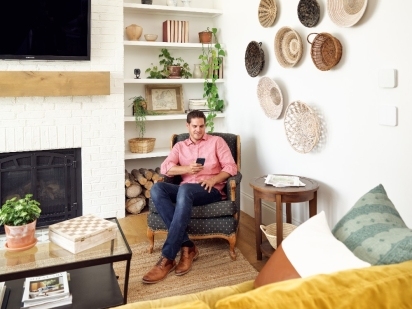
These tips will show you how to protect your home from cyberattacks during Cybersecurity Awareness Month.
Smart Home Routines: 6 Custom Actions You'll Actually Use Every Day
Locking up at night used to take 14 steps. Check the front door, the back door, the side door, kill the lights room by room, nudge the thermostat down, and arm the panel on your way past it. Miss one, and you'd find out in the morning.
Now it takes two words. Say "good night," and the doors lock, the system arms, the lights go dark, and the thermostat settles in.
That's a smart home routine: one trigger that fires a whole sequence of actions. Most people build them for convenience. The part that matters is how your security system actually gets used. A panel you have to remember to arm gets armed when you remember. A routine that runs on its own runs every night, so you're protected every night.
In this guide, we'll cover the six smart home routines worth setting up first, how to build each one in the Vivint app, and how to trigger them with your voice or your phone's location.
What is a smart home routine?
A smart home routine is a set of actions your smart home system runs automatically when something triggers it. The trigger can be a time of day (a time-based schedule), a tap in an app, a spoken command, your phone leaving or arriving home, or a sensor that notices motion or an open door. The actions can be almost anything your smart home devices do: lock, arm, dim the smart lights or smart bulbs, heat, cool, or send you an alert. Routines can fold in other devices too, from a robot vacuum that runs while you're out to a washing machine that pings you when the load is done.
It helps to separate two things. A smart lock is a device. "Lock every door at 11 p.m. and arm the system" is a routine. The device is the tool; the routine is the habit you hand off to the system.
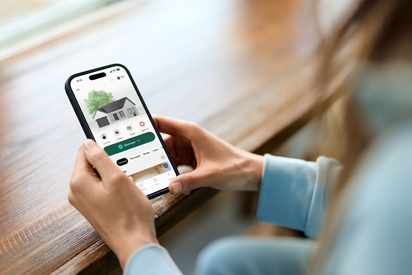
In the Vivint app, these are called Smart Actions: you create a routine and let your home respond automatically based on schedules, sensors, or activity. The Vivint Smart Hub ties it together as the command center, so your locks, smart lights, thermostat, and security cameras work as one system on a single smart home platform instead of a drawer full of separate apps. If smart home technology is new to you, our overview of home automation walks through the fundamentals.
Download your free smart home guide.
Learn everything you need to know about the value and security of a smart home in one quick, easy read.
6 smart home routines for beginners
You'll find endless smart home automation ideas online, but you don't need 25 of them. You need a handful of daily routines you'll actually run. These six cover the moments that repeat every day: going to bed, waking up, leaving, coming home, settling in, and heading out of town.
Good night: Lock up and arm in one command
Build this one first, because it's the one you'll lean on every night. A single "good night" trigger locks every exterior door, arms the system, turns off the lights, and drops the smart thermostat to your sleep temperature.
Set this routine to arm stay, not arm away. Arm stay turns on your perimeter sensors (the doors and windows) but leaves interior motion sensors off, so a 2 a.m. trip to the kitchen won't set off the alarm. Arm away, which we'll get to, turns the motion sensors on too, and that one is for when nobody's home.
Arm stay vs arm away: What's the difference?
| Mode | Use It When | What's Armed |
|---|---|---|
| Arm stay | You're home, evening or overnight | Doors and windows; interior motion stays off |
| Arm away | The house is empty | Doors, windows, and interior motion sensors |
To set it up in the Vivint app:
- Open the app and go to Smart Actions.
- Create a new action and choose your trigger, such as a set time like 11 p.m. or a manual or voice command.
- Add the actions: lock the doors, arm the system to stay, turn off the lights, and set the thermostat.
- Save it, then run it once to confirm every device responds the way you expect.
Good morning: Wake the house up with you
A good morning routine is the gentle inverse of good night. At your wake-up time, the system disarms, the thermostat climbs back to a comfortable temperature, and the lights come up.
You can stretch it further with smart plugs. Plug your coffee maker into one, add it to the routine, and the pot starts brewing while you're still finding your slippers. Link the routine to a Google command, and you can kick the whole thing off by saying "Hey Google, good morning" instead of waiting on the clock.
Leaving: Let the house arm itself
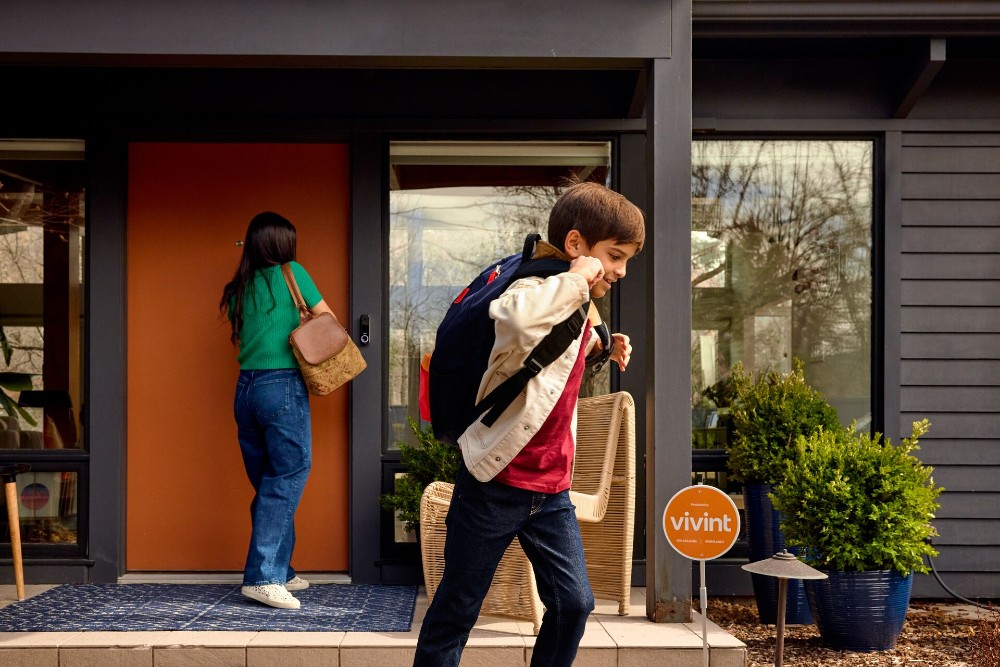
The routine people need most is the one for the door they're already rushing out of. A leaving routine arms the system to away mode, confirms the doors are locked, and can drop the thermostat to an energy-saving setting that trims your utility bills while you're gone.
The trigger that makes this effortless is geofencing. With location services on, the Vivint app knows when your phone leaves a radius around your home, and it can lock the door and arm the system for you, with no panel to tap and nothing to remember. This is where arm away earns its place: with the house empty, the interior motion sensors come on for full coverage.
I'm home: Walk into a house that's ready
Coming home is the mirror image. As your phone crosses back into that geofence, the system disarms, the entry lights switch on, and the thermostat shifts to your comfort setting, so you walk into a lit, warm (or cool) house instead of feeling for a switch in the dark.
Prefer to keep arming manual? You can activate the same routine with a quick voice command as you walk in the door.

Movie night: Dim, lock, and stay protected
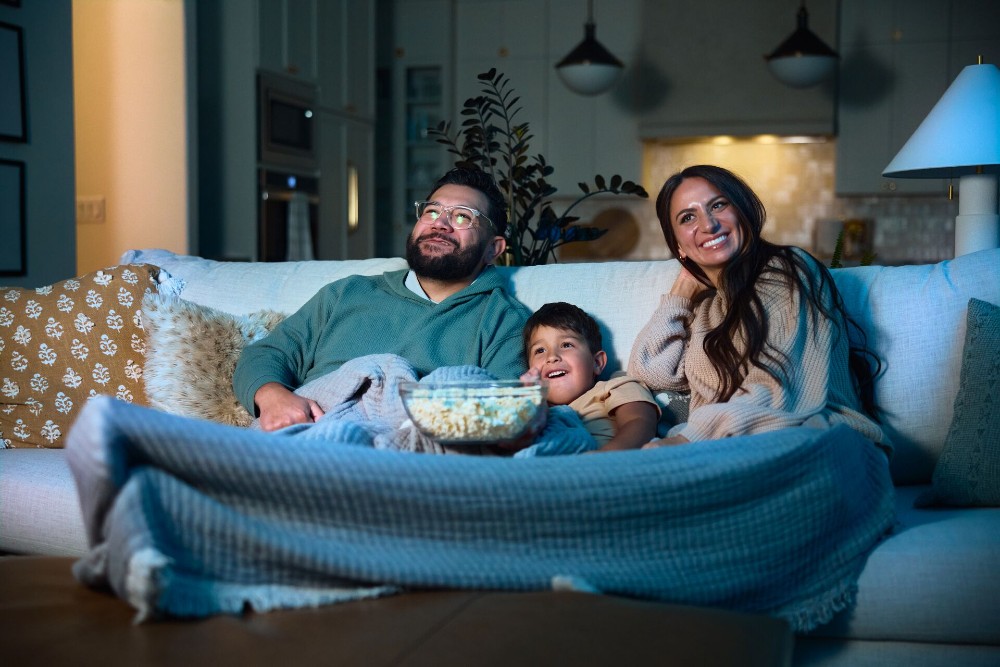
Movie night is a small luxury that doubles as a security habit. One trigger dims the home theater lights to a watchable glow, lowers the smart blinds, locks the doors you're done using for the evening, and arms the system.
It uses the same arm stay mode as your good night routine, since you're home and moving around, so there are no false alarms when you get up for more popcorn. Build it once, and "movie night" becomes a single tap or a single phrase.
Vacation mode: Look lived-in while you're away
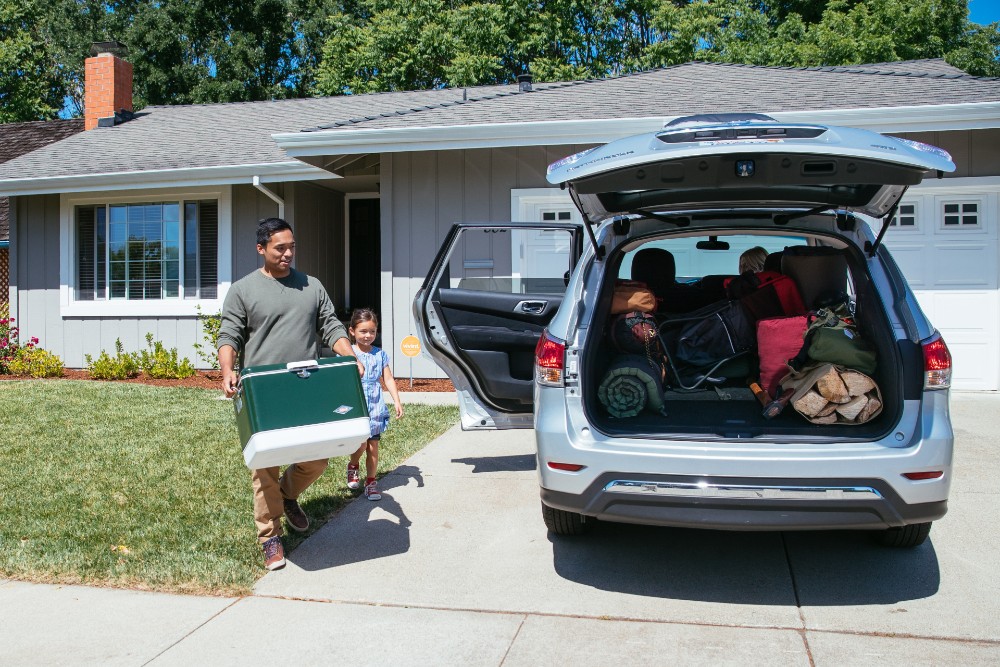
An empty house should look busy. A vacation routine varies your smart lights on a schedule, on at dusk, off at bedtime, maybe a different pattern each day, so the house looks occupied to anyone watching from the street.
Pair it with arm away for the whole trip, and lean on your sensors and security cameras as your eyes and ears. A Vivint water sensor is worth adding here: if a pipe leaks while you're gone, it sounds an alarm and sends an alert straight to your phone, so a small drip doesn't become a flooded floor by the time you're back. You can't stop the leak from the beach, but you can call someone who can.
Run your routines with your voice
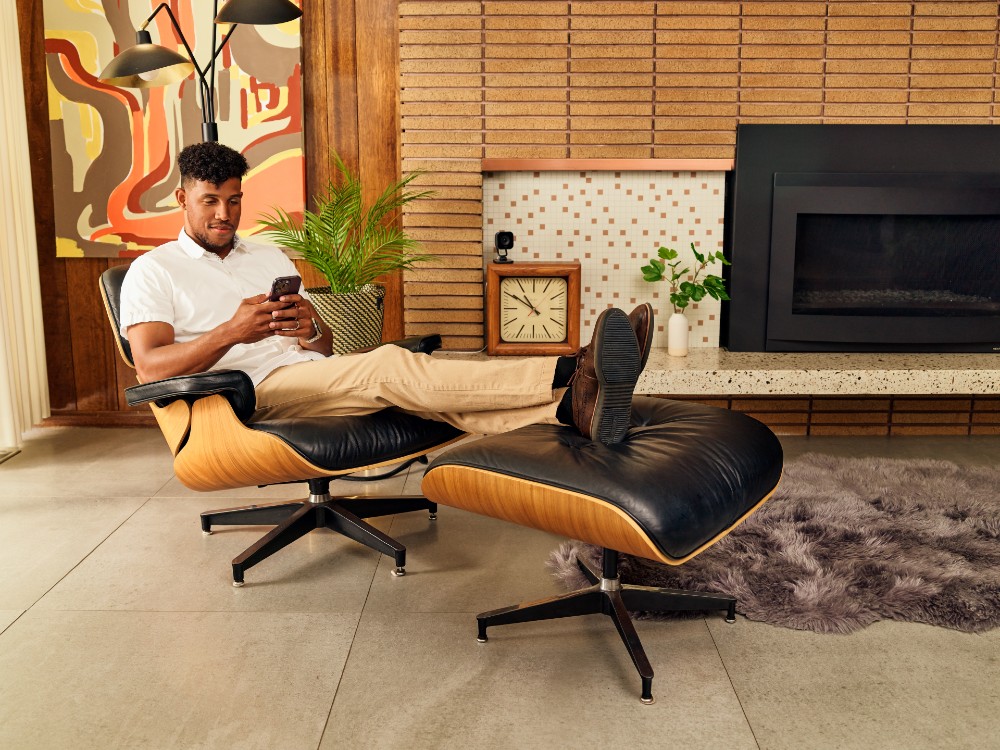
Once your routines are set, the fastest way to activate them is out loud. Voice assistants are the future of home security. As AI gets better at telling a person from a passing car, or a family member from a stranger, routines stop being fixed scripts and start adapting to what's happening at your door.
Vivint works with Google Assistant, so any Google Home or Nest smart speaker becomes a remote for your system. Connect the two in the app, and "OK Google" or "Hey Google" plus a command does the rest.
A few voice commands that users love:
- "Hey Google, good night" runs your full lock-up-and-arm routine.
- "OK Google, arm my system" sets it without touching a panel.
- "Hey Google, lock the front door" handles the lock you walked past.
Related article
5 Custom Actions You Should Try Today
How to set up routines you'll actually use
The thing that trips up most smart homes is the half-built routine nobody ever runs. A few habits keep that from happening:
- Start with two or three routines. “Good Night” and “Leaving” cover the basics; add the rest once those feel automatic.
- Attach them to habits you already have. You already go to bed and leave for work, so let those moments do the triggering.
- Let voice and location carry the load. A routine that activates on its own beats one you have to remember to start.
- Check in monthly. Swap a trigger, add a device, or remove an automation you aren’t using.
A security system you interact with every day is one you trust, and one you trust is one you keep using. That daily loop, not any single gadget, is what actually keeps a home secure.
Your home on autopilot
The best smart home routines disappear into your day. You stop thinking about locking up, arming the system, or nudging the thermostat, because the house handles it, and somewhere in that handoff, your home gets safer, because the protection runs whether you remember it or not.
That's the idea behind a Vivint system: your locks, lights, thermostat, cameras, and sensors working as one, ready to run the routines that fit your life. With Vivint, you can live more and manage less.
See what your system could look like by giving us a call at 855.822.1220 and get a quote to get started.
Frequently asked questions
A few questions come up a lot when people start building routines.
How do I set up Google to arm my Vivint system?
Connect Vivint to Google in the app's smart assistant settings, then say "OK Google, arm my system." Once the two are linked, Google can arm the system, lock doors, and adjust your thermostat by voice.
What's a good Good Night routine to start with?
Lock all exterior doors, arm the system to stay, turn off the lights, and set the thermostat for sleep. Arm stay keeps your doors and windows covered while leaving interior motion sensors off, so moving around at night won't trigger the alarm.
Can I lock my smart locks with a voice command?
Yes. With Google connected, "Hey Google, lock the front door" locks it, and you can add the same step to any routine so it happens automatically.
Do smart home routines still work if the internet goes out?
Core security and monitoring keep running because the Smart Hub uses a cellular connection, but app control and voice commands need the internet. Everything syncs back up once you're online again.
How many routines should I set up at first?
Two or three. Good Night and Leaving cover most of your day; add Good Morning, I'm Home, Movie Night, and Vacation Mode as next steps.
Get a free quote today.
A Vivint Smart Home Pro will contact you within 24 hours. Or skip the form and call now: 844.481.8630.
Everything works together
Combine products
for a safer home
You may also like:
Home & Family
Top Ways to Protect Your Smart Home From Cyberattacks

Home & Family
Spookiest Cities Report 2026
Discover America's spookiest cities of 2026, from reported ghost sightings and haunted places to a 315% rise in haunted hotel searches.
Smart Guides
Try the Vivint Smart Home App with Our Interactive Demo
Related content
-
5 Custom Actions You Should Try Today
These 5 customer-favorite custom actions help you get more out of a Vivint Smart Home system and make your home smarter and more convenient.
-
15 Custom Actions that will Simplify Your Life
These 15 custom actions from Vivint will automate your house and simplify your life.
-
Beginner's Guide to Home Automation: How To Start a Smart Home
A beginner's guide to home automation, with tips to build your smart home system step by step, plus a pro option for hassle-free setup.


