Corrine Talley
Sep 21, 2026
You sent a very good tech person out.
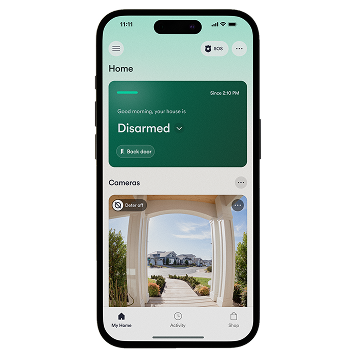
The technician was very good, nice person. He knew his job and how to help me navigate my phone to download the app and get my servalance up and running.
Gloria Jackson
Sep 21, 2026
Enjoying system
Enjoying system
carmen ortiz
Sep 21, 2026
First time customer thank you for a…
First time customer thank you for a great experience. The Technician was awesome. What a great young man. Well informed and kindness are very important to me. Thank you again.
Derrick Holman
Sep 20, 2026
they came out and hooked up everything…
they came out and hooked up everything professionally they was on time when he got there and he did a great job
Maria Decicio
Sep 20, 2026
Thank u
Tech was very helpful
Janet Dubois
Sep 20, 2026
Leonard Carter made the experience…
Leonard Carter made the experience excellent. Leonard made sure I understood everything I asked questions he had a answer even when he left I had a question no wait immediately he answered I loved it thank you Mr. Carter for the experience I have told at least 3 people about Vi ant I hope they reach out to him.
Tara Grimshaw
Sep 20, 2026
So Easy
Everyone was super helpful, friendly and knowledgeable.
John Schuler
Sep 20, 2026
Vivint is always responsive and helpful.
Vivint is always responsive and helpful.
Lorene Morris
Sep 20, 2026
They did a great job and were very…
They did a great job and were very nice!!
Great Experience
Both the salesman and installation techniques were outstanding. From what I've seen so far the technology looks like a winner.
Kayden was very professional
Kayden was very professional, but friendly. He was thorough. He answered my questions on the day of the sale and install. He also came back the next day and took care of my concerns. He sent a technician to take care of an issue. The technician did that and answered my questions. I do wish the installing tech would have explained the system a little more. It took me 3 days and 3 freezing nights to figure out how to set the thermostat for when we sleep. Also I still haven't gotten the garage camera to alert when someone walks or drives up on the drive. The front door does. Both look to be set the same.
Salieu Conteh
Sep 20, 2026
Great experience
Great experience
Roosevelt Bass
Sep 20, 2026
The representative and technician did a…
The representative and technician did a great job.
Juanita Thomas
Sep 19, 2026
Wonderful system
Inatallation was fast and the system is great to have.
Latonya Stewart
Sep 19, 2026
Great love the new features
Great love the new features
John Choleva
Sep 19, 2026
The technician
The technician was wonderful to work with.
Ray was wonderful
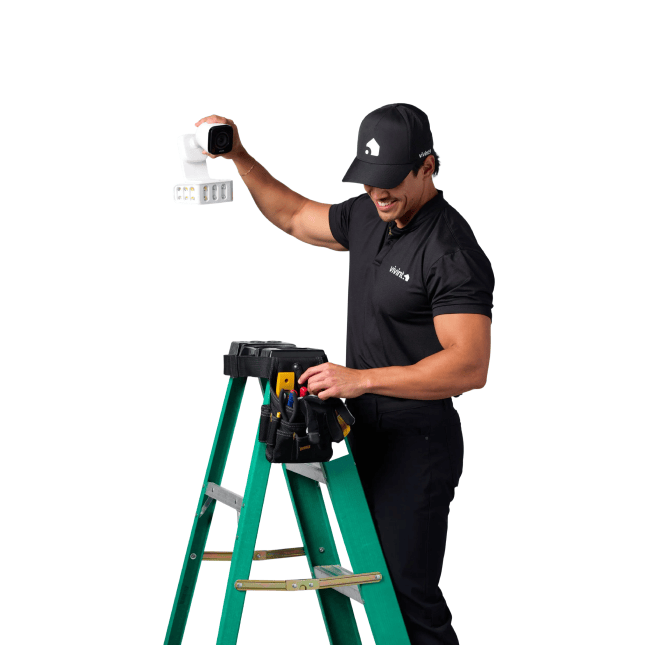
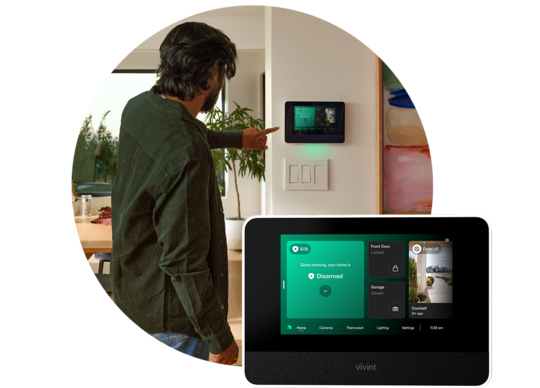
Ray was wonderful. He explained everything along the way (what equipment I was getting, what it was for, and where to install it). He also made sure I knew how to operate the system from both the panel and the app. He was very polite and made sure he cleaned up after the install. He even checked in after a day or two to make sure everything was still going okay and I didn't have any other questions.
Aaron was great!
Aaron was great! He communicated well before the visit and explained our equipment and system very clearly and patiently. We truly appreciate his help!
Daniel Garcia
Sep 19, 2026
Was very professional
Was very professional, polite
Kathleen Delaney
Sep 19, 2026
Technician was efficient and friendly.
Technician was efficient and friendly.
GREGORY FISHER
Sep 19, 2026
Friendly professionals
I was impressed by their friendliness and expertise. They came in and done a professional job. Thank you
Karen Kustich
Sep 19, 2026
The tech was excellent.
The tech was excellent.
The guy that come out and installed it…
The guy that come out and installed it was absolutely great it explaining my equipment to me he showed me how to use it and I actually had to use it the very same day someone kicked in my back door right after having it installed and you all called the police it was great thank you I'm so glad I made this choice
Cassandra Cerimele
Sep 18, 2026
The Tech was very professional
The Tech was very professional, friendly and on time.
Veronica Narvaez
Sep 18, 2026
THEY HAVE PROFESSIONAL STAFF.
THEY HAVE PROFESSIONAL STAFF.
CHRISTINA PEREZ
Sep 18, 2026
An experience person on the job makes a…
An experience person on the job makes a world of a difference thank you
Yvette Gonzalez
Sep 18, 2026
Excellent service received from…
Excellent service received from technicians
Tolafunmi Olatunji
Sep 18, 2026
Services
The staff is knowledgeable and was able to communicate effectively.
The technician guy was very patient…
The technician guy was very patient and understanding that we are new to the company.
YOLANDA WESTON-Brooks
Sep 18, 2026
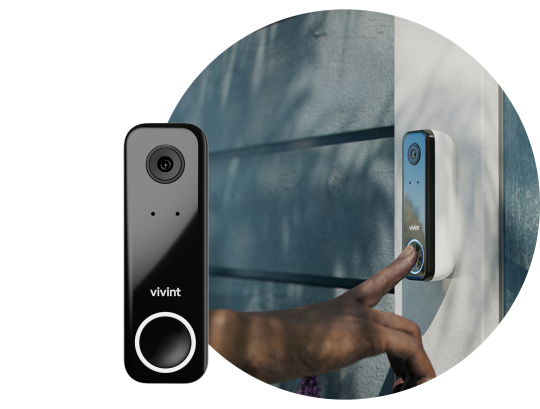
It was a great experience with the…
It was a great experience with the doorbell door ring and door light she's everything I just now need to know how to control each one thank you
Zelda Johnson
Sep 18, 2026
The technician was professional and…
The technician was professional and very helpful and polite
Beatriz Calixto
Sep 18, 2026
Very happy…
The service was very professional and very courteous. They made sure I was happy with what I was getting and that I understood everything. I would recommend them 100%
The person was thoughtful
The person was thoughtful, knowledgeable, and was able to assist in a short space of time.
So far so good great install clear…
So far so good great install clear camera views
LUKMAN A QUADRI
Sep 18, 2026
Very lovely
Very lovely
Great Experience
The experience was great, from the customer service rep explaining in detail what I needed and provided options to get me everything. The technician who came out and set everything up, cameras, contacts for all the windows and doors and setup the garage door as well. He explained how everything worked and he was very patient with me, and answered all my questions. I’m very happy with my security system and everyone at Vivint!!!!
Shana Dougherty
Sep 18, 2026
Great service
Great service. Explained everything very well.
Sheleen Kilman
Sep 18, 2026
Well Bronson was very nice explained…
Well Bronson was very nice explained everything. Very sweet kid.
LETITIA KEYES
Sep 18, 2026
My experience with Vivint was…
My experience with Ben from Vivint was awesome. He took his time explaining every product to me and giving me some options that would work for my household. He was very professional and friendly.
I was very surprised to see when I signed up I would have my stuff installed and set up the same day. I wasnt expecting that at all.
The gentlemen that came to install tje equipment were also friendly and professional. They wasted no time putting in the products and making sure everything worked. I know one of gentlemen name was Ramon and I cant remember the other guy name but he was great as well.
The technology is amazing and I love how I can see everything from my phone even when im not home and my child can see what's going on without having to open the front door.
Its been fun talking from the tablet to someone outside either at the front door or driveway and in the living room.
From start to finish i'm pleased with everything and I feel like im going to get my money's worth!!! All of the gentlemen need a raise!! I will be telling other people about this conpany and the products!!
Thank you, thank you, thank you!
Briana Vergiels
Sep 18, 2026
Great service
Service team was great when i had questions, install was great and quick, Dylan came and installed our equipment he was so great! I would recommend him to anyone’s installation, he also went through the app and how everything worked. The process was very easy!
My rep was not pushy
My rep was not pushy, the tech that did the installation was knowledgeable and respectful
The install was fast
The install was fast, on time and thorough. Mickey explained the steps, what was to be done, and cleaned up what little mess there was. He spent time to instruct me on the use of the system and made sure placement of units was in the best place, as well as acceptable for me and my new home.
Martin Darden
Sep 18, 2026
Very knowledgeable tech and service
Very knowledgeable tech and service
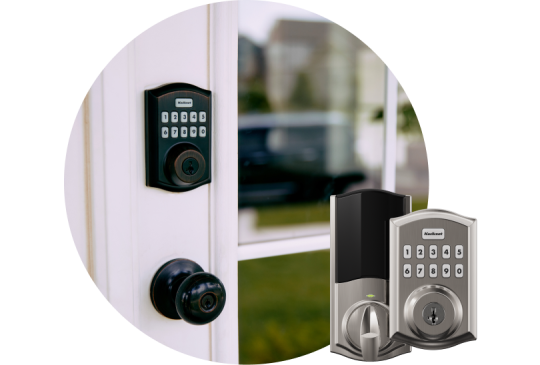
I’ve enjoyed the ability to lock
I’ve enjoyed the ability to lock and unlock my doors from my phone as I am in a wheelchair and fumbling for my keys can prove to be difficult at times
Legacy Homes & Construction
Sep 18, 2026
Great Company!!
Great Company!!
Alaja Childs
Sep 18, 2026
Customer service was excellent …
Customer service was excellent Contractor was polite and genuine
Polly Mitchell
Sep 18, 2026
It's great.
I don't have to worry. I feel safe.
Tazmine Gentry
Sep 18, 2026
Everything was fine except my garage…
Everything was fine except my garage door still does not work w the app.