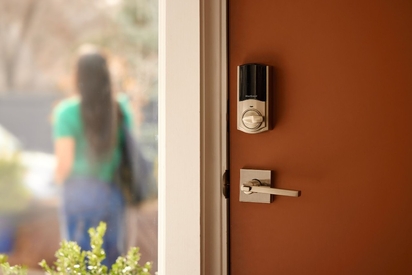
Smart door lock vs. traditional lock: compare cost, security features, remote access, and key control to choose the best lock for your home.
Beginner's Guide to Home Automation: How To Start a Smart Home
Quick answer: To start a smart home, choose a compatible ecosystem (like Vivint or Google Home), make sure you have strong Wi-Fi coverage, and start with foundational devices like smart speakers and thermostats. As you go, add on smart security devices and connect everything through a central hub or app.
Home automation is the use of smart, connected devices that manage lighting, temperature, security, and more. Ideally managed through a central system, home automation can be something as simple as using a voice command to turn your lights on or using your smartphone to open the garage on your way home from work.
In this beginner's guide, we'll walk you through everything you need to know to get started. We'll cover everything from choosing a smart home system to picking the right smart home products. Each step is designed to help you create a more personalized home setup that fits your lifestyle and needs.
Along the way, you'll also learn how IoT (Internet of Things), smart home technology, and well-designed automations improve functionality without adding unnecessary complexity. Our home automation guide for beginners will help you make confident and more informed choices without feeling overwhelmed.
Key terms glossary:
- IoT: Internet of Things. A network of devices connected to the internet that can collect and share data with each other.
- Zigbee: A low-power wireless mesh protocol that lets smart devices communicate over long distances.
- Z-Wave: A wireless communication protocol designed for smart home devices and known for reliability and low interference.
- Smart hub: A central device that connects and controls multiple smart home devices.
- Ecosystem: A framework (like Google Home) that connects compatible smart devices together.
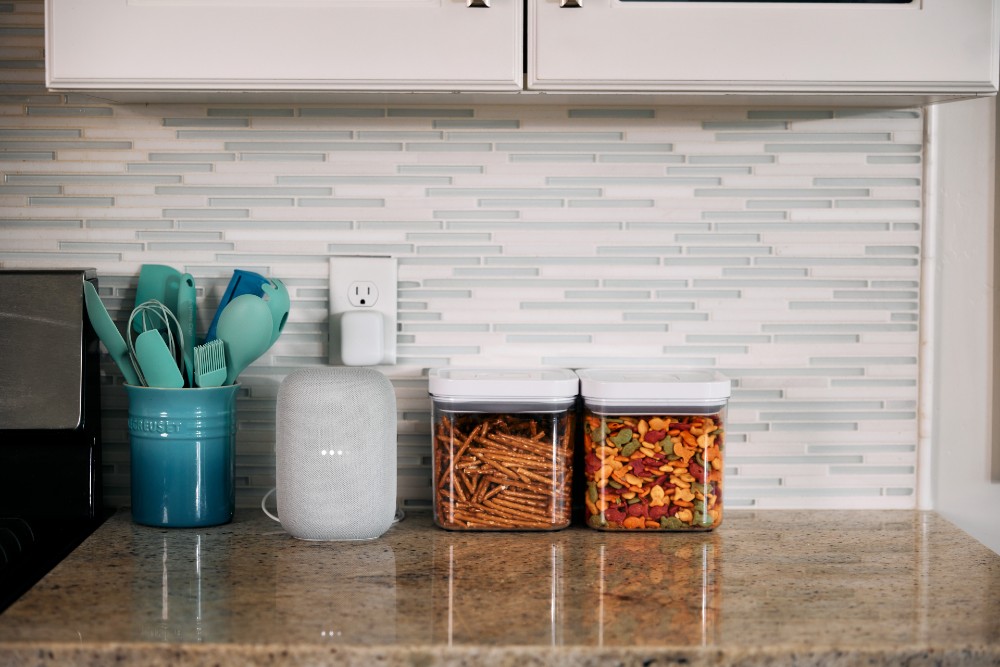
Step 1: Choose your smart home ecosystem
The first step in building a smart home automation setup just so happens to be the most important: choosing your ecosystem. Think of an ecosystem as a foundation that holds everything together. Your smart home system relies on this framework to connect all the devices together, respond to your commands, and make them happen.
Most people will typically start by wanting to control things like smart lights or adjust the temperature with a thermostat. That's where things like voice assistants, mobile apps, and automation routines fit into home automation. A strong home assistant platform gives you the flexibility and long-term compatibility with the other smart home products you'll add in the future.
Below, we've listed some of the most popular ecosystems and how they stack up:
| Smart Home Ecosystems | ||||
|---|---|---|---|---|
| Platform | Compatibility | Voice Assistant | App Control | Integration |
| Vivint | Google Nest, Z-Wave | Works with Google Assistant | Vivint Smart Home App | Vivint security and automation |
| Google Home | Nest, Philips Hue, others | Google Assistant | Google Home App | Integrates with Google services |
| Apple HomeKit | Apple-certified devices | Siri | Home App | Secure for iPhone users |
| IFTTT | Varies by setup | N/A | IFTTT | Advanced custom automations |
| Samsung SmartThings | Zigbee, Z-Wave, Wi-Fi | Compatible with Alexa and Google Assistant | SmartThings App | Supports many devices and brands |
Which smart home system is best for you?
- Best for Apple users: HomeKit
- Best for integrated security and custom automation: Vivint
- Best for device variety: SmartThings
Vivint makes it easy to build a connected home. As Vivint works with other platforms, you can link to popular devices like Google Nest speakers and Nest thermostat. Then use voice control to turn lights on, dim them based on the time of day, and adjust the system hands-free.
Choosing the right ecosystem right at the start gives your smart home automation much more flexibility. It also provides better functionality over time and room to breathe when you inevitably add more devices.
Download your free smart home guide.
Learn everything you need to know about the value and security of a smart home in one quick, easy read.
Step 2: Set up a strong Wi-Fi network
Your smart home is only going to be as strong as your Wi-Fi network. A stable and secure wireless network, combined with adequate signal strength for all devices, is what keeps smart homes connected and working well.
To make sure all your smart home devices have the best possible connection, make sure you check the following:
- Router placement. Place your router in a central part of the home and make sure it's unobstructed. Don't place it behind a TV or a printer, as this will increase the chances of creating dead signal zones.
- Bandwidth management. If your home router supports QoS (Quality of Service), enable it for your devices. Most modern routers have some form of bandwidth management similar to QoS. Check the documentation online to see if yours does.
- Zigbee and Z-Wave. These are mesh protocols that operate similarly to Wi-Fi but consume far less power. They let smart devices talk to each other over long distances without crowding your home's Wi-Fi network.
- Bluetooth. Works well for short-range connections like pairing a smart speaker with your TV. It uses less energy, but has limited range and doesn't make devices "Internet-connected."
- Wi-Fi extenders. In larger homes, extenders and mesh systems can boost your home network and keep every room reliably connected.
- Compatibility. Make sure each device works with your existing Wi-Fi, hub, or protocol. Some products only support specific network types. This issue typically arises with older routers that don't support modern Wi-Fi standards.
The main thing when it comes to planning your home network is to make sure there is an adequate Wi-Fi signal where every device will be located. A strong signal is especially important when it comes to big bandwidth-consuming devices like cameras and security systems.
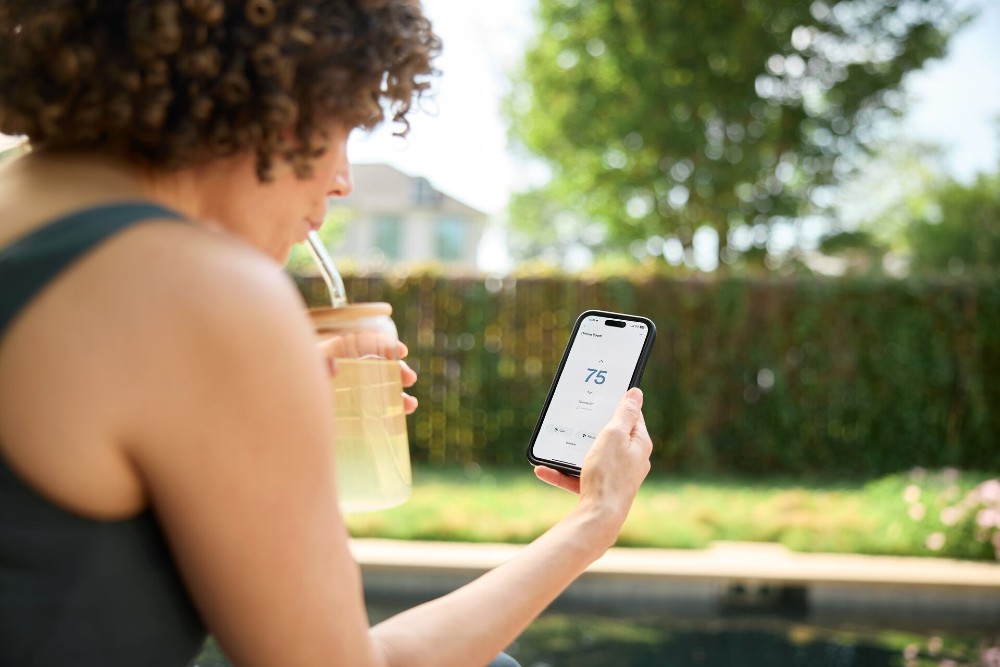
Step 3: Start with foundational smart devices
If you're just starting to build your smart home, it's best to test the waters with a few simple but high-impact smart home devices first. These are easy to install and will instantly improve your everyday comfort and control.
Below are some of the best devices to start with:
- Smart speakers. Control your home with voice commands for built-in assistants like Google Assistant. Ask to play music, check the weather, or control other devices you have connected. Then enjoy the playback on smart speakers installed around the house.
- Smart light bulbs. Set schedules to turn on and off, adjust brightness, or even change colors to match your mood. Use a single tap or voice control to make the smart lights turn on or off, or change from a boring white to cycling through colors.
- Smart plugs. These can be used to make non-smart appliances smarter. Plug your coffee maker or lamp into a smart plug, then plug it into a power socket. You can then control it from across the room with just your voice.
- Smart thermostats. Create custom routines to adjust the temperature at home based on your routines. These smart thermostats improve comfort and have the added bonus of increasing the energy efficiency of your climate control.
These beginner-friendly devices are the best way to start exploring smart home technology without getting too complicated, too fast. A basic starter smart home setup typically costs between $200–$500 for essential devices. Start with a smart light or thermostat, and before you know it, you'll be installing smart locks that open with your fingerprint and fully automating your home.
Related article
What Is a Smart Home?
Step 4: Add security and entry control
Once you have experimented with some entry-level devices, it's time to start thinking about smart home security. These tools help you monitor activity, protect the entry points to your home, and keep an eye on everything, no matter where you are.
These are the core security devices you should consider adding to your setup:
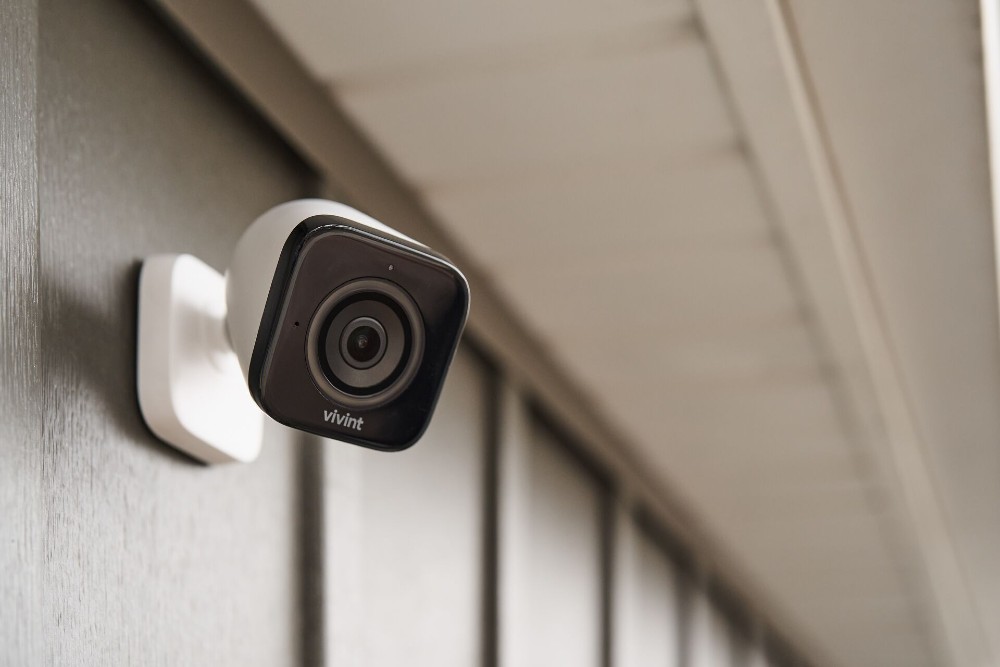
- Security cameras. Monitor indoor and outdoor areas from your phone in real time. Modern smart home security cameras offer features like person=on alerting and night vision for added peace of mind.
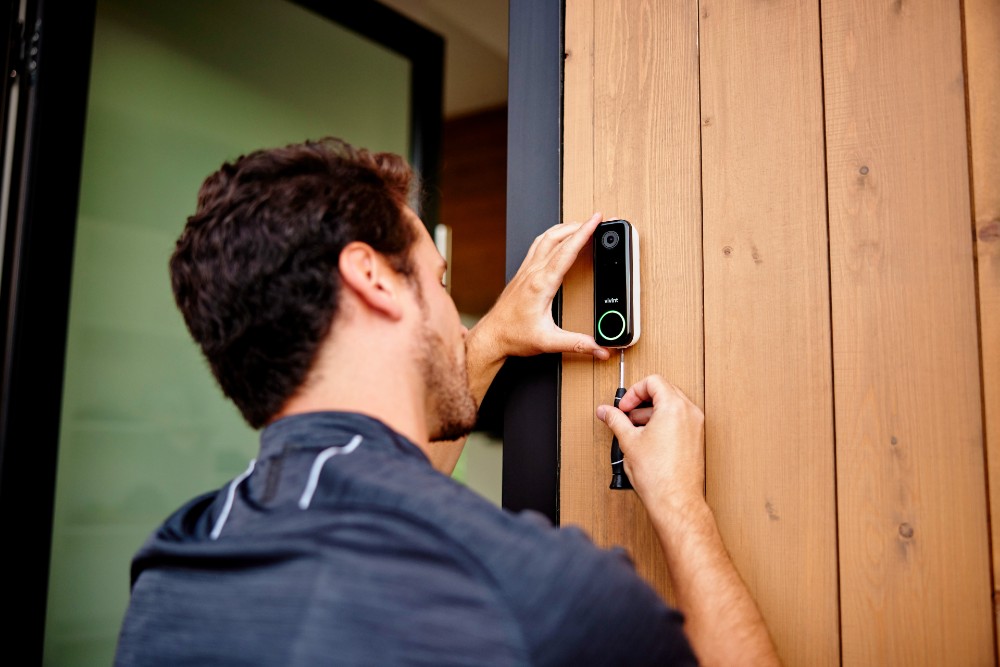
- Video doorbell. For anyone who has ever been a victim of porch pirates, this is your chance to stop them. Smart video doorbells let you speak to visitors, receive deliveries, and track what's going on outside your front door from anywhere.
- Motion sensors. Detect any unexpected movement around your home or yard. These smart motion sensors are connected to your security system to trigger smart lights and send instant notifications.
- Smart locks. Lock or unlock your door locks remotely. With smart locks, you can go keyless and give trusted guests and family members access and keep tabs on who is coming and going.
Together, these devices create a reliable home security system that offers visibility that's under your control. While some enthusiasts enjoy exploring DIY setups, more advanced security systems benefit from professional installation. Getting the pros to install your security gear means you end up with a seamless integration into your existing smart home security setup.
Step 5: Connect and automate with a smart hub or app
In order to bring everything together, you'll need a smart home hub or a centralized app. These tools act as the control center of your home automation system and are essential for managing all your devices in one place.
With a hub or app, you can sync up multiple projects (for example, lights, locks, and cameras) into one seamless experience. Instead of having to open several apps, everything just works through a central dashboard. Typically, these hubs work with voice assistants so you can use voice control for everyday tasks and setting routines.
Another benefit of using a smart home hub is remote control. This means you get the same experience when controlling and managing your devices when away from home as you would standing in your living room. For example, if you know you will arrive home after sunset, you can use voice command or an app to turn on the porch light by the time you get home.
Automation adds even more functionality. For example, you can set the lights to turn on or off depending on the time of day, or lower the thermostat once everyone has left for the day. These automated routines save a lot of time and add extra comfort without much work on your part.
So, even if you're just starting out, a smart home hub to centralize and manage your devices early on will make things easier. This way, new devices can be added incrementally rather than in bulk later on.
Related article
Vivint Security Camera Reviews
Step 6: Expand smart features room by room
Once you have the core setup completed and your central hub managing your devices, you can now start to build on your smart home setup slowly. Expanding your home automation system room by room makes it easier to prioritize your space and needs.
Here are some suggestions to get you started:
- Living room. Add a smart speaker, light switch, and LED lighting to control ambiance, music, and lighting themes.
- Entryway. Use a smart plug or motion sensors to automate entry lights. This way, you're never walking into a dark space. Motion-activated lighting is also very handy when you're walking into the house with your hands full.
- Kitchen. Control countertop appliances with a smart plug and custom schedules. When it's time to replace older appliances, consider buying smart appliances and connecting them to your smart home system. Intelligent microwave ovens, fridges, and even kitchen scales are all now available and ready to connect.
This room-by-room method keeps your home setup manageable. It also helps you see how different smart home devices can fit into your daily routine. As your confidence grows, you'll discover new ways to connect and control other smart home products. The key is to take it step by step.
Related article
How to Set Up a Smart Home
Step 7: Consider professional smart home installation
At some point in your DIY smart home journey, you'll run into an obstacle that's just too big to overcome on your own. Maybe it's that your ladder isn't high enough to mount a camera, or the smart fridge you bought just refuses to connect to your Wi-Fi.
This is where professional installation comes in. Vivint offers expert support that takes the guesswork out of building a complete smart home security system. Whether it's a smart thermostat, a video doorbell, or a full array of security cameras, everything is installed, connected, mounted, and powered for you.
DIY vs professional installation
| Factor | DIY Installation | Professional Installation |
|---|---|---|
| Cost | $0 | $99–$199 (often included in system purchase) |
| Complexity | Best for simple devices (plugs, bulbs, speakers) | Ideal for cameras, security systems, smart locks |
| Time investment | 1–4 hours per device | Same-day complete setup |
| Technical support | Online forums, manufacturer resources | On-site training and ongoing support |
With professional installation, you can be assured that your security system and smart home products works as promised, especially for more sensitive areas like door locks and the front door. Plus, a professionally installed system can be implemented with energy efficiency in mind, as well. If you want a reliable, fully integrated home security system, Vivint professional options make it simple, secure, and stress free.
Take the first step toward a smarter home
A great smart home setup starts with the right ecosystem. That first decision shapes how your smart home devices work together, so choose one that's flexible, reliable, and built to accommodate whatever devices the future brings.
The Vivint smart home automation platform brings it all together. Use the Vivint app to control your video doorbell, adjust lights with voice control, or check in on your home security system from anywhere. With simple automations, real-time remote control, and smart energy management, the Vivint smart home suite is designed to make life easier. And when you're ready, professional installation takes the stress out of setting it all up.
Explore the best smart home automation packages and discover how a smart home can make you feel more confident, comfortable, and connected—right from the front door. Give us a call at 855.822.1220 today.
Smart home FAQs
What's the best starting smart device?
Smart lighting is the most common starting point for home automation. It's one of the easiest smart devices to install, and it adds immediate convenience. Most users control lights with voice command, schedules, or sensors.
What is the app that brings all home automation together?
Popular home automation centralization apps include the Vivint app, Google Home, and Apple Home. These apps let users take control of multiple devices, manage automation routines, and take charge of everything from a single interface.
What is the most popular home automation protocol?
Wi-Fi is the most popular home automation protocol, thanks to its wide acceptance and usage, and ease of use. Zigbee and Z-Wave are also quickly becoming popular due to their reliable and lower-power communication, plus support for large networks. Bluetooth is becoming less common, but is still widely used for the initial setup of devices.
What are the three levels of home automation?
The three levels include basic control (manual app or voice commands), scheduled automation (routines based on time or triggers), and full integration, where multiple devices work together across your home automatically.
Get a free quote today.
A Vivint Smart Home Pro will contact you within 24 hours. Or skip the form and call now: 844.481.8630.
Everything works together
Combine products
for a safer home
You may also like:
Smart Home
Smart Door Lock vs. Traditional: Which Offers Better Security for Your Home?
Sep. 11, 2026
Smart Home
Do Security Cameras Work With Smart Home Systems?
Modern security cameras integrate seamlessly with smart home devices to form one ecosystem of whole-home control and protection.
Sep. 09, 2026
Smart Home
What Is a Smart Home?
A smart home connects lighting, locks, thermostats, and security into one app-controlled system. See the devices, setup, and costs for 2026.
Jul. 20, 2026
Related content
-
Home Automation Services for Smarter Living
Control Security Equipment & Smart Home Devices with a Vivint Home Automation System. Call 855.747.4838 for More Information about our Award Winning 24/7 Smart Home Automation Systems.
-
10 Advantages of Home Automation
Home automation offers many benefits to consider if you’re thinking about installing home automation technology. See our list.
-
Top 10 Home Automation Features for a Smart Home
Find out how smart home technology and automation improve security, save energy, and simplify daily routines.


