
A home inventory gets insurance claims paid faster. See the 4 ways to document your home, ranked by speed, and why your cameras do it best.
Smart Lock Buying Guide
Key takeaways
- A smart lock is an electronic door lock that uses wireless technology (Bluetooth, Wi-Fi, Z-Wave) instead of a physical key
- Smart locks typically cost between $100 and $300
- Unlock methods include PIN codes, apps, fingerprint readers, voice commands, key fobs, and geofencing
- Smart locks are safe when properly configured
- Prioritize front doors, back entrances, and garage doors for smart lock installation
Smart locks are an increasingly popular and innovative way to enhance your home’s security. With the ability to remotely control and monitor access to your home from anywhere in the world, smart locks offer peace of mind and convenience.
This guide will provide an overview of what smart locks are, how they work, and the numerous security features they offer.
What is a smart lock?
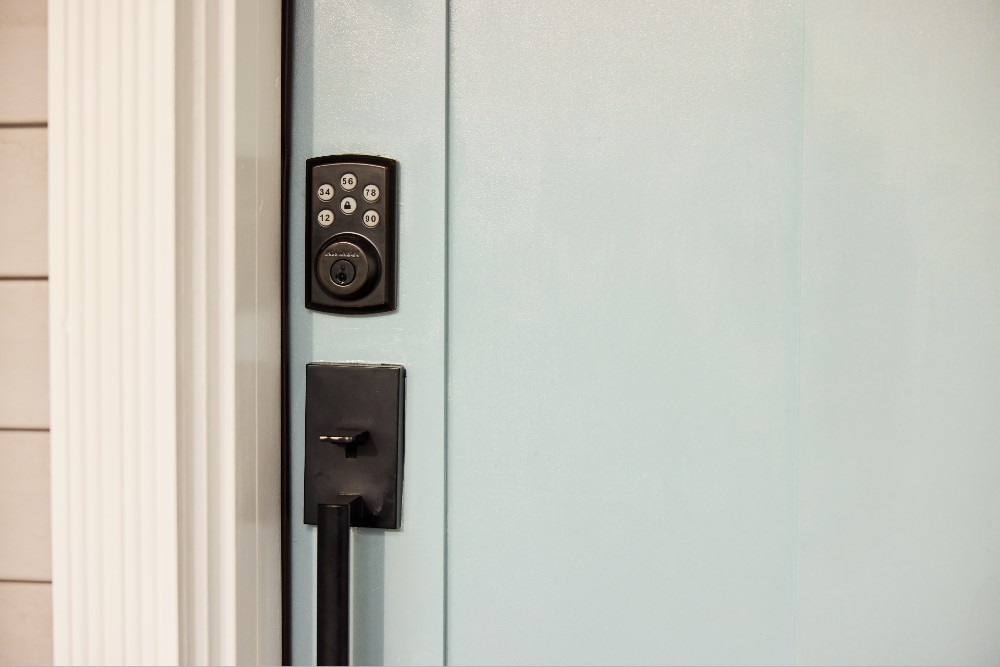
A smart lock is an electronic door lock that replaces or enhances traditional keyed locks, allowing you to lock and unlock doors using an app, Bluetooth, Wi-Fi, or Z-Wave instead of a physical key.
Basically, smart locks let you to open or close a door without a traditional key. You can operate these locks using wireless communication protocols for remote access and control, making it a convenient and efficient way to enter your home.
How can smart locks be opened?
Many smart lock options are available, offering various ways to open them. These include:
- Biometric systems: Fingerprint readers grant access based on your unique features.
- Touch screens with PINs: Assign personalized PINs (up to 50 with Smart Lock from Vivint) and enter that PIN on a digital touchscreen.
- Mobile applications: Control your lock remotely via an app.
- Keypads: Use a physical keypad to enter personalized passcodes
- Key cards or key fobs: Tap, swipe, or insert a fob into the device
- Voice control: Unlock using a key phrase through a voice assistant
- Geofencing: Auto-unlock the door when the device detects you’re in proximity to your property
Compared to regular locks, these types of smart locks provide users with flexibility and ease of use when accessing their homes.
Related article
Keyless Entry Door Locks: Everything You Need to Know
Are smart locks safe?
Smart locks offer a wide range of security features to ensure your home is safe.
Traditional door locks, like knob locks, are relatively easy to install but aren’t suitable for external doors as they are susceptible to lock picking.
Deadbolts employ a robust bolt that you can only turn with a specifically designed physical key. This feature makes them an excellent choice for providing strong protection against break-ins. However, the safety of the deadbolt lock relies heavily on its installation and durability, and losing your key can pose a security risk.
In contrast, smart door locks provide enhanced security through various features. These include generating customized access codes, limiting access to specific users, real-time monitoring and notification systems, and automation of emergency locking mechanisms.
Moreover, smart locks use two-factor authentication and encryption technologies. These features work together to make smart locks a safe choice for anyone looking to increase their home’s security.
What to consider before buying a smart lock
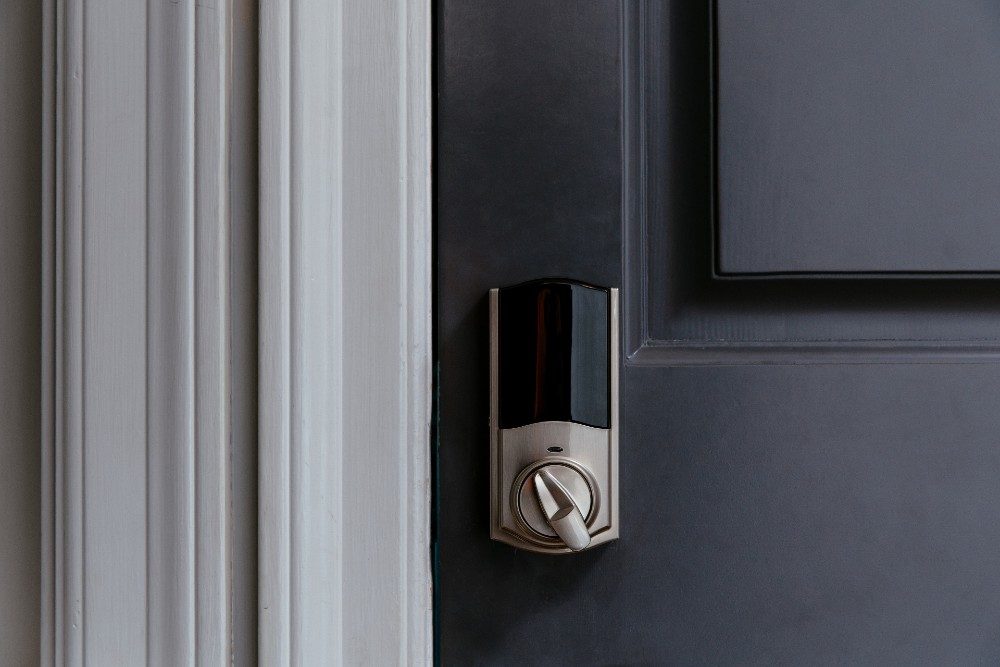
Given the vast amount of smart lock options on the market, it’s crucial to consider a few factors before purchasing one. From wireless connectivity to security measures, evaluating the following features can help you select the smart lock that best meets your needs.
Smart home compatibility
Compatibility with smart home technology can make your smart lock experience more convenient. For example, you can use a voice assistant like Siri to lock and unlock doors using voice commands and inform you about your lock’s status.
Vivint’s home security system offers effortless integration with popular voice assistants like Google Assistant, giving you full control of your smart lock and added convenience.
Smart lock protocols explained
Smart locks work wirelessly with your smart home through Bluetooth, Z-Wave, or Wi-Fi.
| Protocol | Range | Power Consumption | Ideal Use Case |
|---|---|---|---|
| Bluetooth | Short (up to 30 ft) | Low | Single-lock setups Proximity unlocking |
| Z-Wave | Medium (up to 100 ft) | Low | Multi-device smart homes |
| Wi-Fi | Long (network-dependent) | Higher | Remote access |
- Bluetooth. This wireless communication system links your smart lock with your phone, tablet, or computer. It’s easy to install and energy efficient, but it requires proximity to the lock to function.
- Z-Wave. Z-Wave doesn’t connect directly to your phone. It links with a Z-Wave hub and can simultaneously communicate with several smart home devices. Its low frequency avoids interference with your home Wi-Fi network signals or phones. However, Wi-Fi is still necessary to power your smart lock, as the central home hub connects to your router.
- Wi-Fi. Wi-Fi-compatible smart locks have a significant advantage over other protocols, enabling users to control their locks from any location with a built-in Wi-Fi connection. Remote access can be convenient, and Wi-Fi smart locks can integrate with voice assistants and function as security cameras with built-in video doorbells.
How much do smart locks cost?
Smart locks range in price from $100 to $300.
The price of smart lock devices varies due to differences in their quality and features. Factors affecting price include:
- Hardware quality and build materials
- Durability and weather resistance
- Security features (encryption, two-factor authentication)
- Connectivity (Bluetooth, Wi-Fi, Z-Wave)
- Additional features (fingerprint readers)
Which doors are best for smart locks?
Smart locks provide a convenient and effortless way to enter your home. Although you can install them on almost any door with a traditional lock, you should prioritize specific doors.
- Front door. The front door of your home is the main point of entry and exit and the first line of defense against potential intruders. Installing a smart lock on your front door can provide added security and convenience.
- Back entrance/side doors. Similar to your front entrance, smart locks added to all ground floor doors that lead outside can limit who has access to your home.
- Garage doors. With keyless entry and remote control, you can lock or unlock your garage door without leaving your home.
- Bedroom. If you live with roommates or keep valuables in your bedroom, adding a smart lock to this door can provide extra safety and security.
One advantage of smart locks is that they’re typically designed to be the same size as standard locks, making it easy to replace current locks with a smart lock device or add a smart lock compatible with an existing deadbolt.
Smart lock installation options
Installing a smart lock with just a screwdriver can be a DIY task, but connecting it to different apps, hubs, or smart devices can sometimes be tricky to do on your own. And if something goes wrong, it can cost you more in the long run if you need to call a professional for assistance.
Fortunately, with Vivint’s smart home systems, you can enjoy peace of mind with professional installation. Vivint ensures our professionals wire your smart locks correctly, install them in the proper position, and sync them with your devices. With professional installation, you can be assured that everything is set up correctly for optimal safety, and you won’t have to spend time troubleshooting any issues.
Remote access capability
Installing a smart lock that offers remote access lets you control your new lock directly through a mobile app.
This feature provides numerous benefits, such as the ability to auto-lock your doors when you’re away from home, remotely restrict or enable guest access to your residence or Airbnb, and the convenience of checking your lock’s status from any location.
What are the best smart locks?
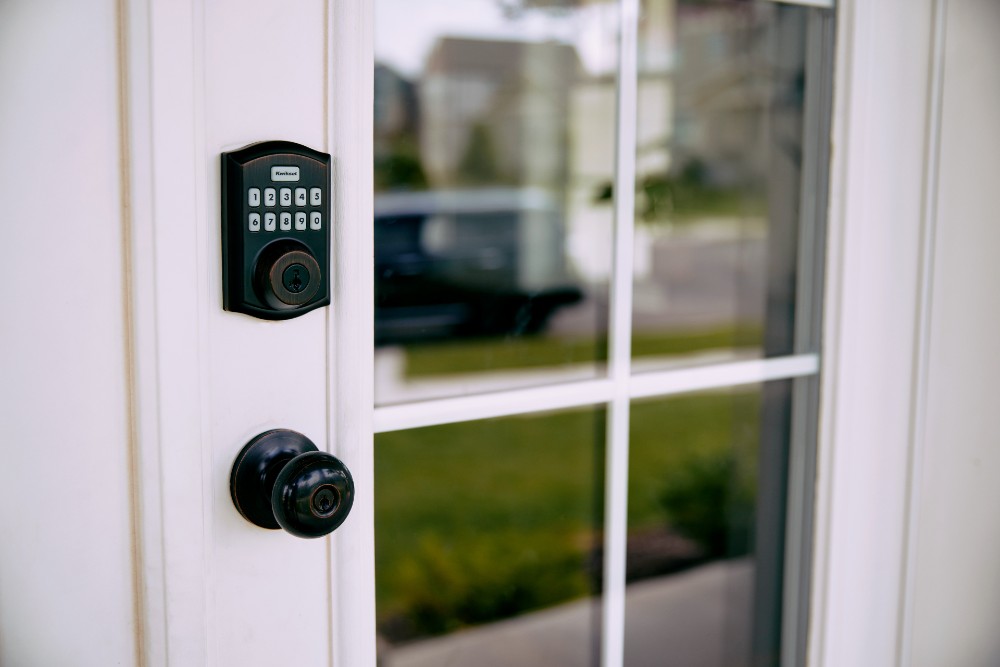
The most suitable smart lock will vary based on your requirements and home environment. Whether you prioritize features like remote access or prefer a straightforward keypad entry, the decision is yours.
It’s important to consider factors like compatibility with your current smart gadgets, security features, and budget. Additionally, if you’re a renter instead of a homeowner, opting for a retrofit smart lock that doesn’t require modifications to the existing deadbolt is crucial.
Overall, the best option is to select a smart lock that offers a wide range of features and has undergone testing to ensure safety and security.
Related article
8 Reasons to Consider Automatic Locks for Your Home
Discover the best smart locks from Vivint
Vivint ticks all the right boxes to provide users with a reliable and secure smart lock system for their homes. Our keyless entry locks use unique codes, enabling you to track who enters your home.
Additionally, the locks can be accessed remotely, synced with other home features to control lighting or adjust your thermostat, and are compatible with voice assistants.
Vivint’s smart locks are professionally installed, and our home security system monitoring can be customized to meet your specific needs. If you want to safeguard your home with cutting-edge smart technology, give us a call at 855.822.1220 to giveVivint smart locks a try today.
Related article
The Pros and Cons of Keypad vs Keyless Entry
Frequently asked smart lock questions
Smart locks are excellent devices for keeping your home and family safe.
Do smart locks work without Wi-Fi?
Yes, most smart locks can function without Wi-Fi. Bluetooth-enabled locks work via proximity to your smartphone, and keypad locks allow PIN code entry regardless of internet connectivity. However, remote access does not work without Wi-Fi or data connection.
How long do smart lock batteries last?
Most smart lock batteries last between 6 months to 1 year with normal use. Many smart locks send low-battery alerts to your phone when it's time to recharge. Most will continue to function with backup key access if the battery dies.
Can smart locks be hacked?
Quality smart locks use AES encryption and other security protocols that make them very difficult to hack. Only buy smart locks from reputable brands and keep firmware updated to minimize risk.
Do smart locks work with existing deadbolts?
Many smart locks are designed as retrofit solutions to work with your existing deadbolt. This makes them ideal for renters or those who don't want to replace their entire lock setup.
Get a free quote today.
A Vivint Smart Home Pro will contact you within 24 hours. Or skip the form and call now: 844.481.8630.
Everything works together
Combine products
for a safer home
You may also like:
Smart Guides
How to Make a Home Inventory for Insurance
Oct. 05, 2026

Smart Guides
Types of Home Security Contracts Explained
Read on to compare long-term, month-to-month, and no-contract home security options, including costs, monitoring, financing, and how to choose the right plan.
Oct. 01, 2026
Smart Guides
Try the Vivint Smart Home App with Our Interactive Demo
Related Content
-
Smart Locks for Homes: 2026 Guide to Keyless Entry Systems
Learn all about smart locks, also known as smart keys, and how they can boost your home’s security and convenience.
-
Smart Door Lock vs. Traditional: Which Offers Better Security for...
Smart door lock vs. traditional lock: compare cost, security features, remote access, and key control to choose the best lock for your home.
-
Are Smart Locks Safe?
Are you in the market for a smart lock, but concerned about safety? Let Vivint help you find the safest lock.


