Plan smart locks, cameras, alarms, and safety sensors for an accessory dwelling unit (ADU) or in-law suite without oversharing security.
How Do Smart Locks Work?
Key takeaways
- Smart locks are keyless entry systems that connect to your home network and let you remotely lock or unlock the door
- To unlock a smart lock, you can enter a code, scan a fingerprint, or use the app to input a command
- Smart locks use encryption and eliminate the need for spare keys, making them significantly safer than traditional locks
- Smart locks are one piece of a broader smart home system. They integrate with voice assistants, smart cameras, and more
Smart locks have become one of the most practical smart home devices available today. With a smart lock, you can ditch your keys and enjoy the safety and convenience of managing your lock wherever you are.
Take a look at how a smart lock works and some of the benefits they provide over a traditional door lock.
What are smart locks?
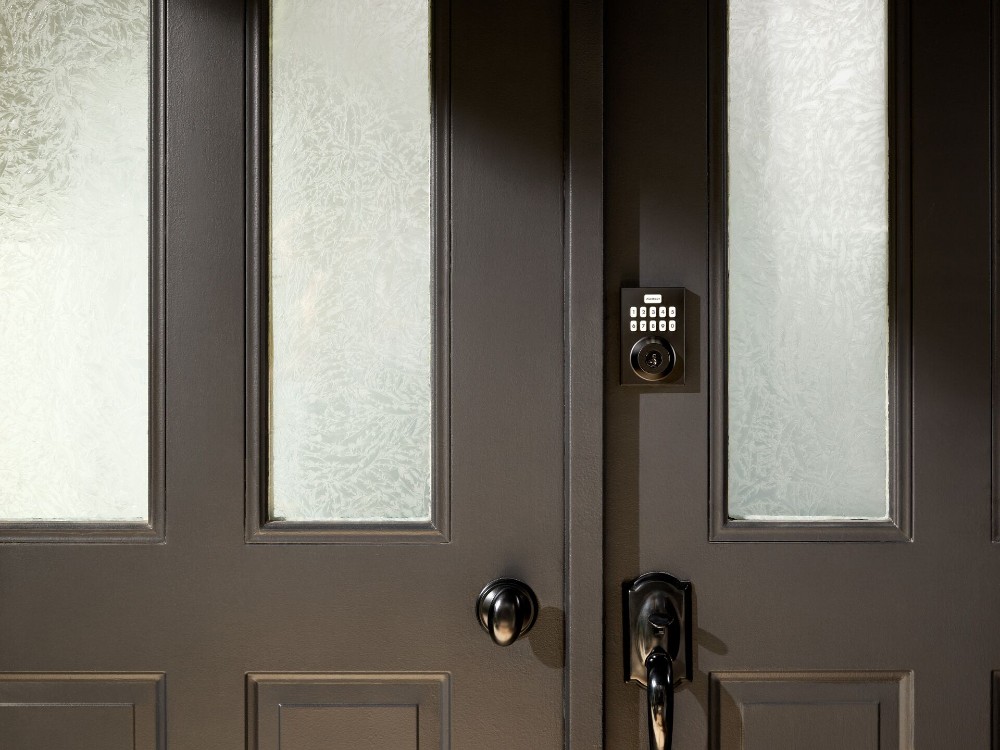
A smart lock is a keyless door lock that connects to your home's Wi-Fi network and allows you to lock or unlock your door remotely using a smartphone app, numeric keypad, or access code.
Smart locks use several connectivity technologies and access methods:
- Connectivity: WiFi, Bluetooth, Z-Wave
- Access methods: Numeric keypads, smartphone apps, biometric scanners
Related article
The Pros and Cons of Keypad vs. Keyless Entry
How do smart locks work? Step-by-step
- User enters a code on the keypad, uses a biometric scanner, or sends a command via smartphone app
- Signal transmits via WiFi, Bluetooth, or Z-Wave to the lock
- Lock mechanism engages or disengages based on the command
- Smart lock sends confirmation notification to the user's smartphone
While some smart locks require you to completely replace your entire lock system, others fit right over your existing lock system or only require a few modifications.
When smart locks are integrated into a complete smart home, they can also integrate with other devices, like a smart speaker or your security system. However, they need to be connected to a smart home hub that enables all the devices to work together.

Benefits of smart locks
Smart locks offer several advantages over traditional door locks:
- Remote access: Control your front door from anywhere using your smartphone. There's no need to rush home to beat your guests or a delivery driver to the door; simply log onto your app and unlock your front door from wherever you are.
- Keyless entry: Unlock your door with a simple code—no key required. No more digging through your bag to find your keys.
- Eliminate spare keys: Smart locks eliminate the need for making copies of your key for everyone. This is also much safer than having multiple copies of your house key floating around, protecting your home from potential burglaries.
- Lock status notifications: Many smart locks will send you notifications on your phone if you forgot to lock your door, so you can quickly lock it with the tap of a button.
- Unique access codes: Create up to 50 unique codes for family members, babysitters, or guests, with logs showing which code was used and when.
- Temporary guest access: Create temporary codes for visitors that can be deleted after their stay.
- Custom automation rules: Set doors to lock automatically after a certain time, or trigger other actions like arming your security system when you lock up.
Related article
9 Reasons Electronic Door Locks Are Safer Than Traditional Locks
Smart locks vs. traditional locks
| Feature | Smart Lock | Traditional Lock |
|---|---|---|
| Access method | Code, app, biometrics, or key | Physical key only |
| Remote control | Yes, from anywhere via smartphone and app | No remote control |
| Access tracking | Logs who enters and whens | No tracking ability |
| Spare key management | Digital codes for family, guests, and workers Can be added and deleted instantly |
Physical copies given out |
| Lock status alerts | Real-time alerts | None |
| Installation | Professional or DIY installation | DIY or standard locksmith installation |
| Power source | Battery-powered | No power required |
Smart lock security
Smart locks use encryption to protect communications between your phone and the lock. To maximize security:
- Use strong, unique access codes
- Enable two-factor authentication when available
- Keep firmware updated
- Avoid sharing codes unnecessarily
Compared to traditional locks, smart locks eliminate risks associated with lost or copied keys and provide audit trails of entry. However, they require battery maintenance and depend on connectivity for remote features.
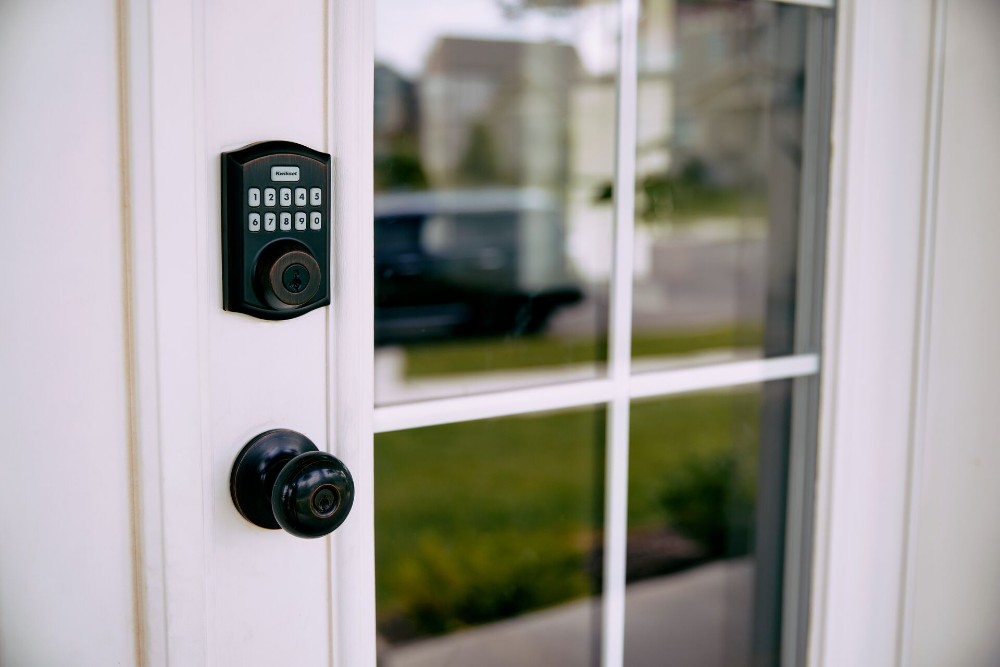
Vivint Smart Lock tech specs
| Spec | Details |
|---|---|
| Battery life | Varies by usage Low-battery notifications in the Vivint app |
| Connectivity protocols | Wi-Fi, Bluetooth, Z-Wave |
| Hub requirement | Connects to Vivint Smart Hub and Vivint app |
| Smart home compatability | Works with Google, Vivint |
| Access codes | Up to 50 codes |
| Power | 4 AA batteries |
Smart locks as part of an integrated smart home
Like most technology purchases, finding the perfect smart lock for your home requires a little research. If you want the best experience, then a smart lock from Vivint is the way to go.
Vivint offers an integrated smart home system where a smart lock can intelligently connect and interact with other smart devices to simplify your life and increase the security of your home.
In addition to the smart lock benefits listed above, a smart lock integrated into a Vivint system makes life easier in a number of ways:
- Keep your packages safe. If you do online shopping, you know the threat of packages being stolen off your porch is real. With a Vivint Doorbell Camera Pro, you can see when your delivery driver arrives, then unlock the smart lock on your front door and use the camera's two-way talk feature to ask him or her to put your package inside—all from your phone.
- Lock your door with the sound of your voice. Want to make sure your door is locked, but your smartphone is charging in another room? No problem, when your smart lock is integrated with a system that includes a Google Home. Just say, "Hey Google, lock the front door." It's that simple.
Leave with one touch
If your morning rush includes juggling kids, book bags, keys, your wallet, and more, you'd probably welcome anything that makes getting out the door easier. With a Vivint system, one-touch leaving locks your door, arms your security system, turns off the lights, and adjusts the thermostat to save energy—all with the simple touch of the lock button.
The same goes for when you arm your security system at night. You don't need to make the rounds to get your house nighttime ready by checking locks or going from room to room to turn the lights off. You can rest easy knowing that once you arm your system, your doors lock, your lights turn off, and your temperature adjusts automatically—all thanks to the custom actions of your integrated system. It's as simple as the touch of a button or a voice command.
Related article
Keyless Entry Door Locks: Everything You Need to Know
Smart lock installation
With a Vivint system, you can skip the frustrating DIY route with reliable professional installation.
Vivint's Smart Home Pros take care of the installation for you and ensure everything works together seamlessly. They'll also show you how to use your system and how to take advantage of its many features. And it sure beats spending your weekend figuring out how to install a smart lock (or any smart home device) by yourself.
Peace of mind with a Vivint system
Upgrading your lock and key to a smart lock from Vivint can make your life easier and more convenient.
And when you make it part of a complete smart home system, you're in control of every aspect of your home, from your locks to your lights to your security system, no matter where you are.
Want to see for yourself? Contact a Vivint specialist at 844.481.8630 for a free customized quote today.
Frequently asked smart lock questions
Smart locks are an important home security device.
Do smart locks work without Wi-Fi?
Yes, most smart locks can still be operated using the keypad or physical key backup even without Wi-Fi. However, remote access and notifications require an internet connection.
Can smart locks be hacked?
Smart locks use encryption to protect against hacking. Using strong access codes, keeping firmware updated, and enabling two-factor authentication significantly reduce security risks.
Do smart locks need a hub?
Some smart locks require a smart home hub to connect with other devices, while others connect directly to your Wi-Fi network. Check compatibility before purchasing.
How long do smart lock batteries last?
Most smart locks run on standard batteries that last 6-12 months depending on usage frequency and connectivity features.
Get a free quote today.
A Vivint Smart Home Pro will contact you within 24 hours. Or skip the form and call now: 844.481.8630.
Everything works together
Combine products
for a safer home
You may also like:
Home Security
Smart Home for ADUs and In-Law Suites: Privacy, Access, and Security on Both Sides of the Door
Sep. 23, 2026
Home Security
10 Advantages of Smart Locks
Smart locks allow you to lock and unlock your door remotely with your smartphone, providing convenient keyless entry to your home.
Sep. 14, 2026
Home Security
Locked Out of Your House? Here's What to Do
Locked out of your house? Here's how to get back inside now, what to do within 24 hours, and how to make sure it never happens again.
Aug. 28, 2026
Related Content
-
Smart Locks for Homes: 2026 Guide to Keyless Entry Systems
Learn all about smart locks, also known as smart keys, and how they can boost your home’s security and convenience.
-
Smart Door Lock vs. Traditional: Which Offers Better Security for...
Smart door lock vs. traditional lock: compare cost, security features, remote access, and key control to choose the best lock for your home.
-
Keyless Entry Door Locks: Everything You Need to Know
Vivint's guide to keyless entry door locks—smart, secure, and easy to use with app control, auto-lock, and pro installation.


