Smart Home Lighting FAQ: Everything You've Ever Wanted to Know

Dec 05, 2019|

Want to make your home smarter, safer, and more efficient? Smart lighting is a great place to start.

With smart lighting, turning lights on and off with a switch becomes a thing of the past. Instead, you can control your lighting no matter where you are or even automate it so you don't have to think about it.

If you're curious about smart lights, what they can do, and how they work, check out these most-commonly asked questions.

What is a smart lighting system?

smart lighting system integrates lights in your home into one system that can be automated or controlled and managed via an app on your smartphone or mobile device. Unlike traditional lighting, which requires you to physically turn lights on and off with a light switch, smart lighting is hands-free.
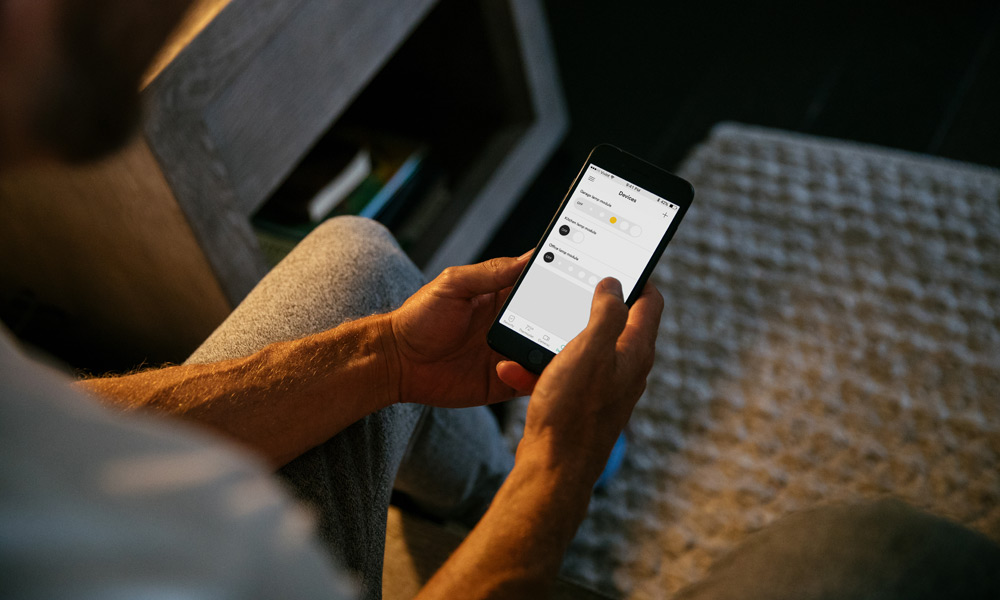
vivint smart lighting control
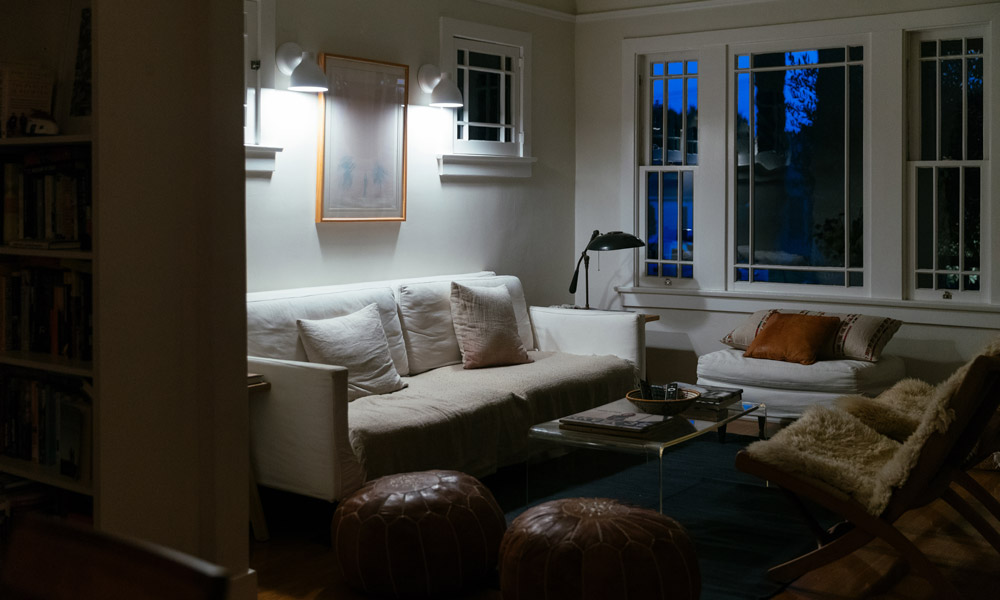
With smart lighting, you can control your home's lighting from anywhere.
 

Do smart lights save money?

Smart lights save money in a couple ways.

  • They use less energy than traditional incandescent bulbs, which can add up to significant savings over time.
  • They also last longer, which means you don’t need to replace them as often.

For example, if you were to replace just five 60-watt incandescent bulbs in your home with Philips Hue LED bulbs, you’d save $150 over the course of a year. (You can get a more accurate idea based on the number of lights in your home with this calculator.)
Thumbnail

Download your free smart home guide.

Learn everything you need to know about the value and security of a smart home in one quick, easy read.

How long does a smart bulb last?

Because they are more energy efficient, a smart bulb will last significantly longer than incandescent or halogen bulbs. The average Philips Hue bulb, for example, lasts up to 25,000 hours. To put that in perspective, the average incandescent bulb, on the other hand, only lasts about 1,000 hours.

What can smart lights do?

With smart lighting control systems, you can do a number of different things to increase the convenience and comfort of your home, including:

  • Turn lights on and off wherever you are via your smartphone app
  • Connect to your smart speaker for hands-free voice control
  • Create lighting groups, such as bedrooms and downstairs lights, to control lights by area or group
  • Set custom schedules so your lights turn on and off automatically
  • Create mood lighting with dimming and color ambiance

The exact features will depend on the smart lights system you select.

What is automatic lighting control?

Automatic lighting control allows you to automate your lighting based on your schedule. For example, you can set your bedroom lights to turn on automatically at 7 a.m. to help you wake up naturally, or set your downstairs lights to turn on at 6 p.m., whether you’re home or not.

Do smart lights use power when off?

Unlike traditional lights, which are either on or off, smart lights do use a small amount of power even when they’re not giving off light. This standby mode is necessary in order to remain in communication with the smart lighting hub.

Despite this, the amount of energy used as well as the effect on savings in insignificant. (One blogger tested the Philips Hue in standby mode and calculated that it cost him approximately 1.6 cents in standby time).

Which smart lights work with Google?

Want to use your Google Home to control your lights? Make sure the smart light you choose is compatible first. You can find a complete list of compatible lighting here.

vivint smart lighting
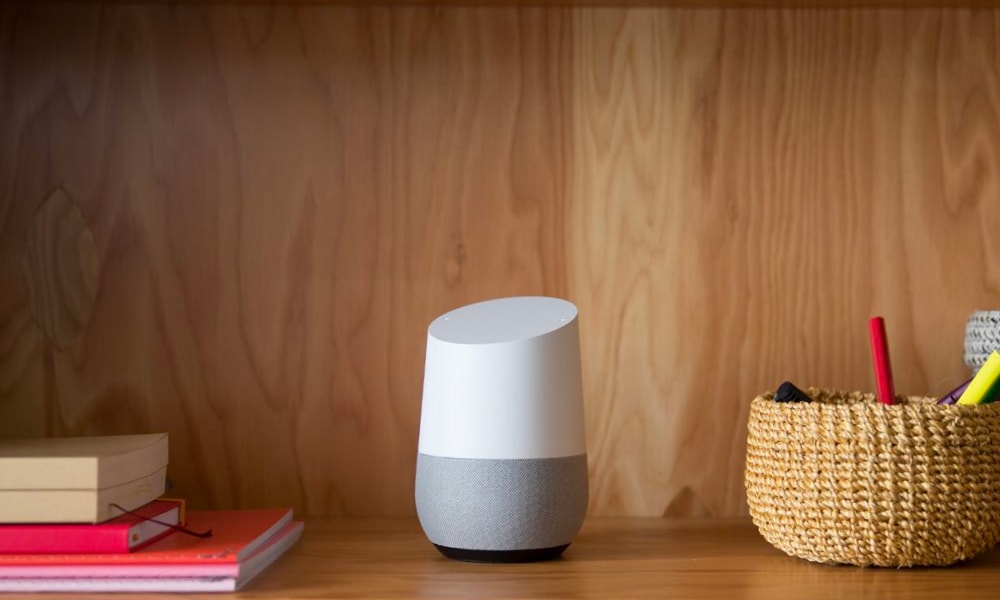
You can control your lights with your voice with smart lighting and a smart assistant.
 

How do I control my lights with Google?

In order to use voice control with your smart lights, you’ll first need to select compatible lighting, such as Philips Hue. You can then find step-by-step instructions on your smart light’s website. Some smart lights connect directly with Google through the smart lights hub or app.

For many lights, you can connect them directly with Google in the Google Home app.

  1. Set up your lights: Follow the instructions from the manufacturer to set up your smart lights and connect them to your home Wi-Fi network.
  2. Open the Google Home app.
  3. Tap the Add icon (a plus sign) in the top left corner.
  4. Choose "Set up device".
  5. Tap Have something already set up? under the "Works with Google" section.
  6. Search for and choose the manufacturer of your smart lights.
  7. Sign in to your smart light account and authorize the Google Home app to control your devices.
  8. Choose the specific lights you want to add to your Google Home app.
  9. Select the room where your light is located to help with organization and voice control.
  10. Create a unique, easy-to-say name for your light (e.g., "reading lamp") for voice commands.
  11. Wait for the setup to complete, and then click "done". 
  12. Once connected, you can control your lights with simple voice commands, such as, "Google turn on the living room lights."

Let’s be neighbors.

Subscribe to our weekly newsletter for more smart tips.

Can Google Home control lights?

You can use your Google Home to control your smart lighting, provided the lights are compatible with Google Home. Once you choose the light bulbs, simply follow the instructions on their website for pairing with your Google Home.

What smart lights work with Google Home?

If you want to use your voice to control your lighting with Google Home, you can do so with a variety of smart lights. The smart lighting system you choose will indicate whether or not they are compatible with Google Home.

Smart lighting as part of a complete Vivint system

There’s no doubt smart lighting is pretty cool by itself. But if you want to get the most out of your smart lights, combine them with a complete smart home system from Vivint.

Take a look at some of the things your smart lights can do when they’re part of a Vivint system:

Stay safer with automated lighting

Nothing says “There’s no one home!” like a dark house. But an unnatural light pattern, like leaving random lights on all day and night, can also be a telltale sign to a potential burglar that you’re not home.

With a Vivint system and Philips Hue lighting, you can create custom schedules that give the appearance that someone is home, even when you’re not. (Plus, your Vivint security system means you’ll also have the peace of mind that comes with 24/7 monitoring).

vivint professional monitoring
With a complete Vivint system, our team will have an eye on your home 24/7.
 

Step inside a well-lit home

If you’ve ever come home from a day at work, errands, or after picking up the kids from after-school activities, you know how inconvenient it can be fumbling for lights with an armful of groceries or a car seat.

With custom actions, you can create rules so your lights automatically turn on when you unlock your smart lock or disarm your system. It's like magic.

Keep it simple with hands-free control

Wouldn’t it be great to turn off the lights without going from room to room flipping off switches? When Philips Hue smart lights are part of your Vivint system, you can log on to your Vivint app and turn off all (or some) of your lights right from the app. Or, if you have a smart speaker, you can just tell Google to do it for you.

google home vivint smart home
Have a Google Home? You can use your voice to turn off your lights.
 

Smart lighting can transform any home into a smarter, more convenient, and safer place to live. To see for yourself, contact a Vivint Pro today at 855.710.6033 for a free quote.

Get a free quote today.

A Vivint Smart Home Pro will contact you within 24 hours. Or skip the form and call now: 844.481.8630.

By clicking "Start Your Quote", you agree by electronic signature to:
1. The Electronic Disclosure Consent;
2. Receive recurring marketing communications from Vivint at the telephone number and email address you provide on this form, including autodialed calls, texts and prerecorded, artificial, or AI voice messages (consent not required to make a purchase; reply “STOP” to opt-out of texts or “HELP” for help); and
3. Vivint's Terms of Service and Privacy Policy.

Related Content
  • Vivint Smart Resources

    Get answers to your most frequently asked questions about home security or home automation, here at Vivint Smart Resources.

  • How Does Smart Lighting Work?

    Discover how smart lighting works to bring added ease, convenience and comfort to your home. It can even save you money.

  • Everything You Need to Know About Smart Lighting

    Find the best smart lighting for your home. Control your lighting with wifi, voice commands, and automation features for a smarter home.

*Offer Terms & Conditions

All offers are subject to availability and may not be available in all states, provinces, or zip codes. Taxes and additional fees may apply.

HomeProtect Offer Terms

Vivint’s standard HomeProtect package includes 1 Vivint Security Hub, 3 Vivint Door & Window Sensors, 1 Vivint Motion Sensor, 1 Vivint Keypad, and 1 Vivint yard sign. The HomeProtect equipment package is regularly priced at $349.99, with professional installation priced at $199 and Vivint system monitoring at $29.99/mo., unless otherwise advertised. Offer for new Vivint customers only.

HomeProtect Pro Offer Terms

The HomeProtect Pro Offer is available to new and existing Vivint customers and requires a minimum $749.99 expenditure on equipment (after discounts), professional installation and execution of a Vivint services agreement. Monthly service fees vary based on the products and services you select. HomeProtect system purchases and reactivations of previously-installed systems are not eligible for this offer.

Financing Options

Financing for equipment purchases is subject to credit approval by one of Vivint’s third-party financing partners. Qualified customers may finance at 0% APR for up to 60 months, with terms varying by offer. Financing requires a separate agreement with the financing partner. Month-to-month service agreements are available when equipment is purchased upfront.

Vivint Systems & Services

System can support multiple cameras, subject to sufficient WiFi speeds. Without a Vivint services plan, product and system functionality is limited (including loss of remote connectivity). Contact a Vivint representative for complete equipment, services, and pricing details. Products and services in Louisiana provided by Vivint Louisiana Commercial Certificate #58280. See Vivint license numbers here. Click here for full terms of service.