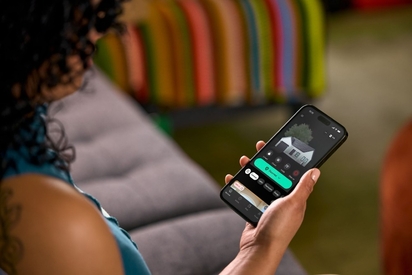
The Vivint Smart Home app is the best home automation app on the market—and we have the reviews to prove it.
Do Security Cameras Work With Smart Home Systems?
*Quick definition:* Smart home security cameras are internet-connected devices that let you monitor your home remotely, integrate with your home automation devices, and send you automated alerts. They communicate with platforms like Amazon Alexa, Google Home, and Apple Homekit.
Yes, modern security cameras work seamlessly with smart home systems, allowing you to integrate cameras with voice assistants, smart locks, lights, and alarms for unified control through a single app or hub. Today's cameras are built with integration as a core feature rather than an afterthought.
Key takeaways
- Most modern security cameras integrate with Alexa, Google Home, and/or Apple Homekit for voice control and automation
- Reliable Wi-Fi (minimum 2 Mbps upload speed per camera) is essential for reliable smart home integration
- Cameras can trigger other devices automatically, turning on lights, unlocking doors, or activating alarms when motion is detected
- Vivint cameras—like the Outdoor Camera Pro and Indoor Camera Pro—are part of a whole-home system where every device integrates and communicates
The key to successful integration lies in understanding which cameras work with your specific platform, what connectivity requirements apply, and how automation features can enhance your home's security. This guide walks you through everything you need to know about connecting security cameras to your smart home ecosystem, from platform compatibility to wireless requirements and subscription-free options.
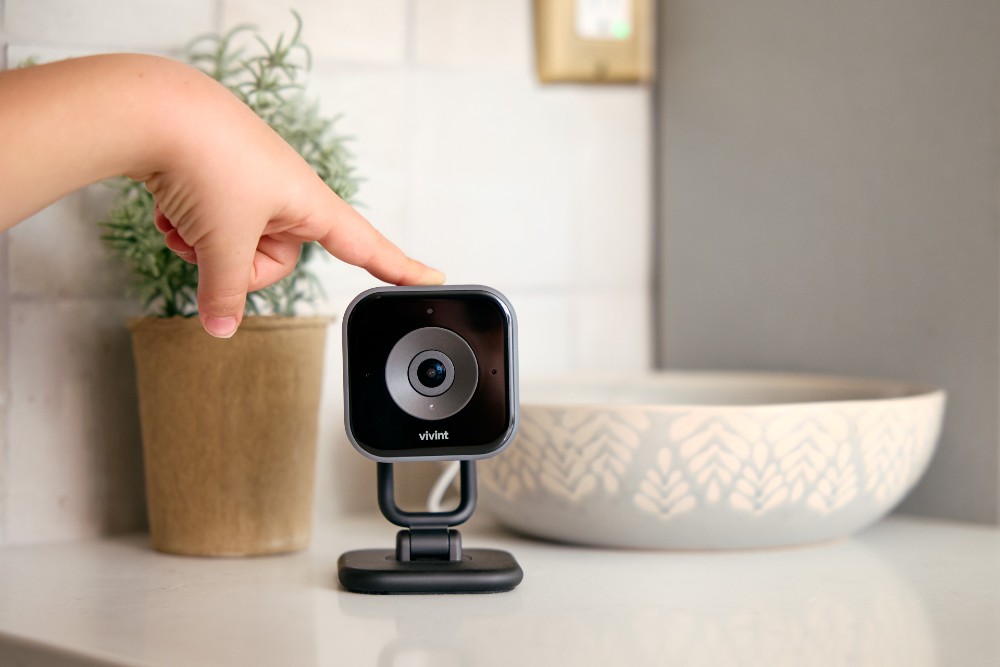
How smart home security cameras connect to your smart home ecosystem
Smart home security cameras connect to your ecosystem through Wi-Fi networks, dedicated hubs, or direct protocol communication, allowing them to share data and respond to commands from other connected devices. Understanding what smart home automation involves is the first step toward building a truly integrated security system.
Most smart security cameras use your home's Wi-Fi network as the primary connection method. Once connected, the camera communicates with a central app or hub that serves as the command center for your entire smart home. This hub—whether it's a dedicated hub, a smart speaker, or an app like the Vivint smart home app—allows all your devices to talk to each other and respond to triggers you define.
The integration process typically works in three layers:
- Connect to network. The camera connects to your Wi-Fi and registers with its manufacturer’s cloud service
- Link accounts. You authorize your smart home platform to access the camera service through account linking
- Enable control. The platform recognizes your camera as a controllable device, enabling voice commands, automation routines, and cross-device triggers
For homeowners already using smart thermostats or speakers, adding cameras to the ecosystem follows the same familiar process. The camera works alongside your other devices, and you can create routines that incorporate video monitoring with lighting, locks, and alarm systems.
Related article
How Do Automated Lighting Schedules Deter Burglars?
Platform compatibility: Alexa, Google Home, and Apple HomeKit
The three major smart home platforms—Amazon Alexa, Google Home, and Apple HomeKit—each support security camera integration, though compatibility varies by camera brand and model. Choosing cameras that work with your existing platform ensures the smoothest integration experience.
Amazon Alexa offers the broadest camera compatibility, supporting dozens of brands through its Alexa Skills system. With Alexa-compatible cameras, you can use voice commands to view live feeds on Echo Show devices, receive motion alerts through your speakers, and incorporate camera triggers into Alexa Routines. For example, you can create a routine that turns on porch lights and starts recording when your camera detects motion after sunset.
Google Home provides similar functionality through its Google Home app and Nest ecosystem. Some cameras compatible with Google Home can display feeds on Nest Hub displays, integrate with Google Assistant voice commands, and participate in home automations. The platform excels at creating "household routines" that coordinate cameras with other Google-compatible devices. You can explore Google Home integration options to see how cameras work within this ecosystem.
Apple HomeKit maintains stricter security requirements, which means fewer cameras carry HomeKit certification. However, HomeKit-compatible cameras benefit from Apple's Secure Video feature, which processes footage locally and stores encrypted clips in iCloud. HomeKit users can view camera feeds through the Home app, use Siri voice commands, and create automations that trigger based on camera activity.
When selecting a smart security camera, verify that it explicitly lists compatibility with your platform of choice. Some cameras support multiple platforms, giving you flexibility if you decide to switch ecosystems later. Others work exclusively within one manufacturer's environment, which can limit future expansion options.
Security camera system requirements for smart home integration
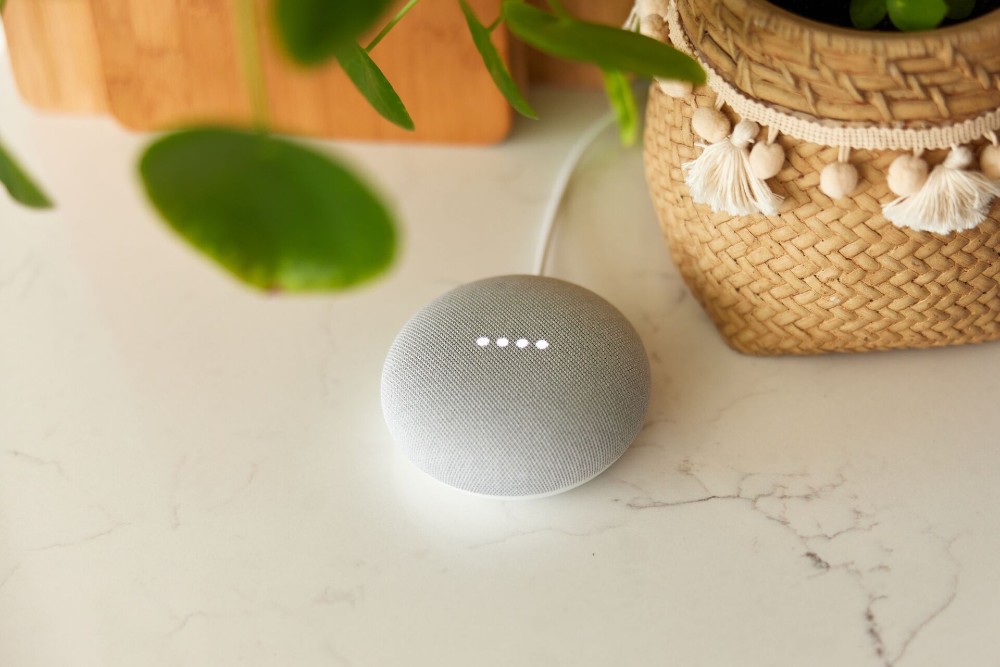
A smart security camera system requires stable Wi-Fi connectivity, adequate bandwidth, and compatible network protocols to integrate effectively with smart home platforms. Meeting these requirements ensures reliable performance and seamless communication between your cameras and other devices.
Requirements checklist
Before installing security cameras to integrate with your smart home devices, verify you meet these minimum requirements:
- Wi-Fi speed: Minimum 2 Mbps upload speed per HD (1080p) camera; 4 Mbps per 2K camera, 8 Mbps per 4K camera
- Router placement: Position within 100 feet of cameras with minimal obstructions
- Network protocol: 2.4 GHz Wi-Fi support (required for most cameras); 5GHz optional for faster speeds at shorter range
Wi-Fi strength and coverage form the foundation of any wireless security camera system with remote viewing capabilities. Cameras positioned far from your router or in areas with signal interference may experience connection drops, delayed notifications, or choppy video streams. Before installing cameras, test Wi-Fi signal strength at each planned location. If coverage is weak, consider adding mesh network nodes or Wi-Fi extenders to ensure consistent connectivity.
Bandwidth considerations become important when running multiple cameras simultaneously. Each camera streaming in high definition consumes significant upload bandwidth, and homes with several wireless Wi-Fi security cameras may strain internet connections during peak usage. A general guideline is to ensure your internet plan provides enough upload speed to support all cameras streaming at once, plus headroom for other household internet activities.
Network protocol compatibility determines whether your camera can communicate with your smart home hub. Most modern cameras use standard protocols that work across platforms, but some proprietary systems require specific hubs or bridges. When evaluating cameras, confirm they support the protocols your smart home platform uses.
For those exploring indoor options, understanding how to choose the best indoor security camera helps ensure your selection meets both security needs and integration requirements. Indoor cameras often have different connectivity considerations than outdoor models, particularly regarding power sources and placement flexibility.
Night vision wireless outdoor security cameras with Wi-Fi add another layer of complexity, as they must maintain reliable connections while operating in varying weather conditions. Quality outdoor cameras include weatherproofing (IP65 or higher) and temperature tolerance ratings (-4°F to 122°F) that ensure consistent performance year-round.
Related article
What Is a Smart Home?
Best outdoor security cameras for whole-home automation
The best outdoor security cameras for home automation combine weather resistance, reliable connectivity, and deep integration capabilities that allow them to trigger and respond to other smart devices. Outdoor cameras serve as the first line of defense in a connected security system, monitoring entry points and perimeter areas while communicating with your broader smart home ecosystem.
Outdoor security cameras for home use need the following features to work effectively with home automation:
- Customizable zones let you pick specific areas to trigger alerts, reducing false notifications from passing cars or animals
- Person detection uses AI to distinguish between human visitors and other sources, making sure you’re alerted to what matters most
- Weather resistance rated IP65 or higher for rain, snow, and dust protection
Two-way audio enables communication with visitors or potential intruders directly through the camera, which becomes more powerful when integrated with smart locks. You can verify a visitor's identity via camera, then unlock the door remotely—all from a single app interface. This coordination between cameras and locks exemplifies the value of whole-home automation.
For detailed guidance on outdoor camera selection and placement, explore outdoor wireless security camera options that balance performance with integration capabilities. The right outdoor camera should complement your existing devices rather than operate in isolation.
Solar powered security cameras represent a growing category for homeowners seeking flexible placement without running electrical wiring. These cameras charge during daylight hours and operate on battery power, making them ideal for detached garages, fence lines, or other locations far from power outlets. When selecting solar powered options, verify they maintain smart home connectivity and automation features comparable to wired alternatives.
Ready to explore specific outdoor camera models? View Vivint's Outdoor Camera Pro to see how professional-grade equipment integrates with comprehensive smart home systems.
Security cameras without subscription: What you can still control
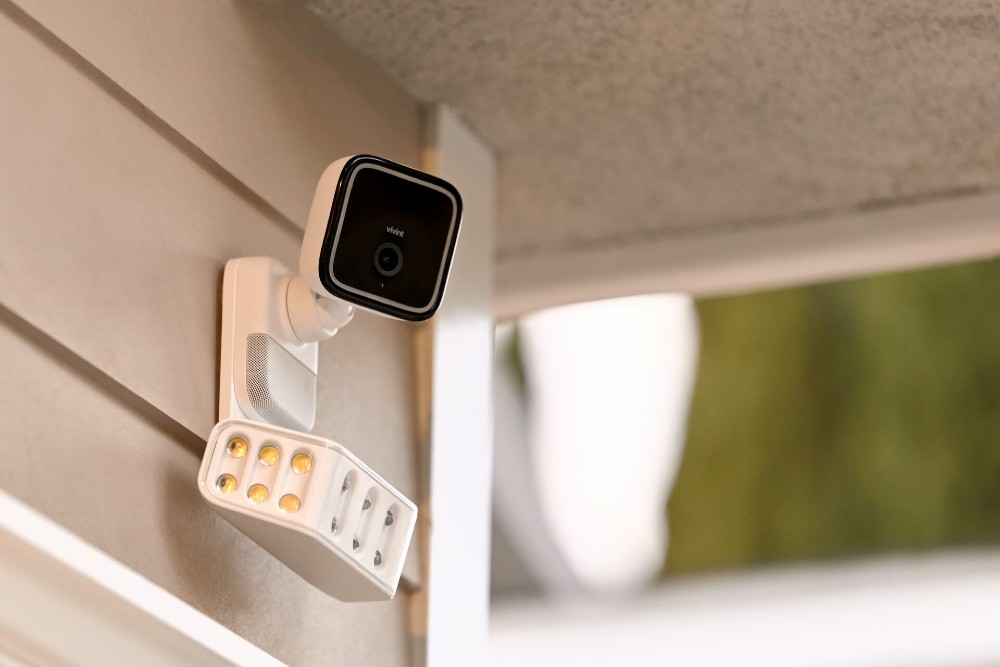
Security cameras without subscription plans still offer live viewing, local storage, and basic smart home integration at no extra cost, though cloud features and advanced AI detection typically require paid plans. Understanding what's included at no ongoing cost helps you make informed decisions about your security investment.
Many cameras provide core features without monthly fees. Live streaming to your smartphone, two-way audio communication, and motion-triggered alerts typically work out of the box. Local storage options—either through SD cards inserted in the camera or network-attached storage devices—allow you to save footage without cloud subscription costs.
Smart home integration often remains available without subscriptions. You can still connect some cameras to Alexa, Google Home, or Apple HomeKit, use voice commands to view feeds, and incorporate cameras into basic automation routines. The camera continues to function as a connected device within your ecosystem regardless of subscription status.
However, certain advanced features usually require paid plans. Cloud video storage that saves footage for extended periods, AI-powered detection that identifies specific objects or people, and professional monitoring services typically fall behind subscription paywalls. Some manufacturers also limit the length of video clips or the number of alerts you receive without a paid plan.
For homeowners prioritizing subscription-free operation, look for cameras that emphasize local storage and processing. These models perform more analysis on-device rather than relying on cloud servers, which reduces dependency on ongoing payments. Learning about how home security cameras are changing reveals how the industry is evolving to offer more value at various price points.
When evaluating subscription-free options, consider the total cost of ownership. A camera with a higher upfront price but no monthly fees may prove more economical over several years than a cheaper camera requiring ongoing payments. Balance your budget preferences with the features you genuinely need for effective home monitoring.
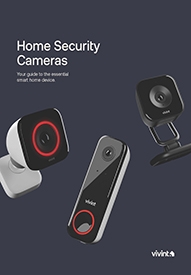
Download our home security camera guide.
Indoor, outdoor, doorbell—we’ve got them all. Learn how security cameras can protect your home and family with this free guide.
Build your connected home with Vivint
Building a connected home with Vivint means choosing a security camera system designed for whole-home integration, with cameras, sensors, locks, and lighting working together through a unified platform. Unlike standalone camera brands that rely on third-party platforms for integration, Vivint provides both the hardware and the ecosystem, ensuring seamless communication between all components.
Vivint’s camera lineup contains:
- Outdoor Camera Pro: 4K HDR, 140° field of view, Smart Deter™ with Vehicle Protection
- Indoor Camera Pro: 1080p HD, 150° field of view, Privacy Mode for on-demand coverage
- Doorbell Camera Pro: 1080p resolution, 180° field of view, Smart Deter™ with Package Detection
Vivint's approach to smart home security cameras addresses the core challenge connected homeowners face: making devices from different categories work together reliably. When your cameras, doorbell, smart locks, and lighting all operate within the same system, automations become more powerful and more dependable. A camera detecting motion can instantly trigger lights, send alerts to your phone, and prepare your system to record—all without requiring complex setup across multiple apps.
For families prioritizing safety, this integration provides peace of mind that extends beyond simple monitoring. Parents can check camera feeds while away, verify that children arrived home safely, and receive intelligent alerts that distinguish between routine activity and genuine concerns. The system learns your household patterns and adapts its responses accordingly.
Professional installation ensures cameras are positioned optimally and connected properly from day one. Rather than troubleshooting Wi-Fi dead zones or struggling with mounting hardware, you start with a fully operational system configured by experts who understand both the technology and the security principles behind effective camera placement.
Explore Vivint's security camera packages to see how cameras integrate with comprehensive smart home security solutions. Whether you're starting fresh or expanding an existing setup, Vivint's ecosystem provides the foundation for a truly connected, secure home.
Ready to get started on your system? Contact us at 855.822.1220 today.
Frequently asked questions
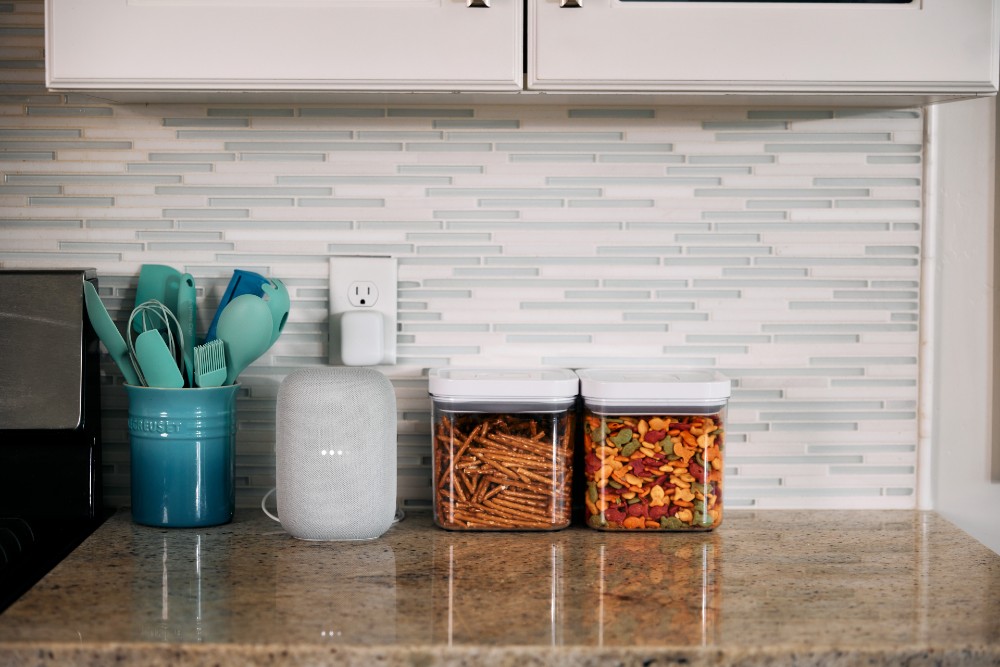
Security cameras can work with smart home devices as part of one connected system.
Do security cameras work with smart home systems like Alexa and Google Home?
Yes, most modern smart home security cameras integrate directly with Alexa or Google Home, plus other major platforms. Once connected, you can use voice commands to view live feeds on compatible displays, receive spoken alerts through smart speakers, and include cameras in automation routines that coordinate with lights, locks, and other devices. Compatibility varies by camera brand, so verify platform support before purchasing.
What is the difference between wired and wireless smart home security cameras?
Wired cameras use physical cables for power and network connectivity, providing consistent connectivity and eliminating battery concerns. Wireless security cameras connect via Wi-Fi and may run on batteries, solar power, or plug-in adapters. Wireless options offer more flexible placement but require attention to Wi-Fi signal strength and battery maintenance, while wired cameras deliver reliability at the cost of installation complexity.
Can I use outdoor security cameras without a subscription?
Yes, some outdoor security cameras function without subscriptions. Depending on the brand, core features including live viewing, local recording to SD cards, two-way audio, and basic smart home integration. Subscription plans typically add cloud storage, extended video history, advanced AI detection, and professional monitoring services. Many homeowners find subscription-free operation sufficient for basic security needs, while others value the convenience of cloud features.
How do smart home security cameras work without internet or Wi-Fi?
Most smart security cameras require Wi-Fi for full functionality, including remote viewing, cloud storage, and smart home integration. Without internet, cameras may still record locally to SD cards or network storage devices, but you cannot access feeds remotely or receive mobile alerts. Some cameras offer limited local-only modes, but the smart home integration features that connect cameras to other devices depend on network connectivity. For full functionality, a stable internet connection with at least 2 Mbps upload speed for camera is recommended.
What features should I look for in the best outdoor security cameras for home?
Prioritize these features:
- Weatherproof rating IP65+
- Night vision
- Person and package detection
- Customizable zones
- Two-way audio
- Verified compatibility with your smart home platform
Additional valuable features include local storage options, high-resolution video, and wide viewing angles that minimize blind spots around entry points.
Can security cameras trigger other smart home devices automatically?
Yes, smart home security cameras can trigger other devices through automation routines. Common examples include cameras detecting motion and automatically turning on lights, unlocking doors when recognizing familiar faces, or activating recording on multiple cameras when one detects activity. These automations are configured through your smart home platform or the camera manufacturer's app, allowing cameras to serve as triggers within broader security responses.
Do solar powered security cameras work with smart home systems?
Yes, solar powered security cameras work with smart home systems just like their wired or battery-powered counterparts. The solar panel simply replaces traditional power sources while the camera maintains Wi-Fi connectivity and platform integration. When selecting solar powered options, verify they support your preferred smart home platform and offer the same automation features as non-solar models, as some budget solar cameras may have limited smart home capabilities.
Get a free quote today.
A Vivint Smart Home Pro will contact you within 24 hours. Or skip the form and call now: 844.481.8630.
Everything works together
Combine products
for a safer home
You may also like:
Smart Home
Vivint App Reviews (2026)
Oct. 15, 2026
Smart Home
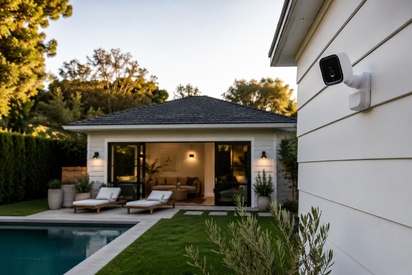
Smart Home for Detached Structures: Securing Sheds, Workshops, Barns & Outbuildings
Your security stops at the back door. Here's how to secure every detached structure on your property, from sheds to barns.
Oct. 08, 2026
Smart Home
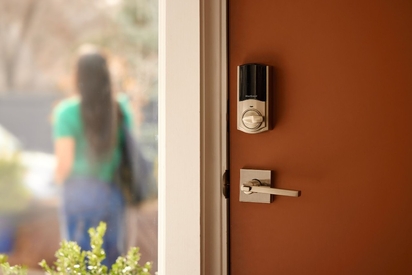
Smart Door Lock vs. Traditional: Which Offers Better Security for Your Home?
Smart door lock vs. traditional lock: compare cost, security features, remote access, and key control to choose the best lock for your home.
Sep. 11, 2026
Related content
-
How to Go From One Smart Device to a Smart Home
Smart devices like smart lighting, thermostats, and security cameras integrate seamlessly with the Vivint Smart Home app and accompanying system.
-
Smart Home Devices That Work With Vivint
Vivint works with many of the most popular smart home devices, including Google Home and Google Nest.
-
The Best Smart Home Solutions for Home Automation
Explore the best smart home solutions for seamless home automation. Discover devices to enhance convenience, security, and efficiency in your home.


