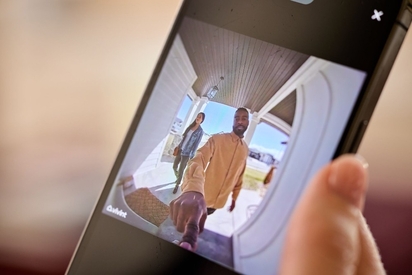
Learn what you can do from a security camera app, from viewing live or recorded footage to two-way talk with visitors and family members.
Do Vivint Cameras Work Without Wi-Fi?
Quick answer: Vivint cameras continue recording locally if the Wi-Fi goes down, and Smart Deter™ keeps working thanks to on-device AI. Remote app access, live streaming, and push notifications do, however, require internet access. Those features will be available again when Wi-Fi connection is restored.
Key takeaways
- Local recording continues: Vivint cameras record to local storage during Wi-Fi outages via Vivint Playback
- Smart Deter™ works offline: On-device AI processing means deterrence features function without internet
- Cellular backup protects monitoring: The Smart Hub's built-in cellular chip keeps professional monitoring active
- Remote features pause: Live view, push notifications, and cloud access require Wi-Fi
- Automatic reconnection: All features restore once your internet connection returns
At one point or another, it happens to everyone—your internet goes down. And while an internet outage can take plenty of connected smart home devices offline, that doesn't mean your Vivint cameras stop protecting your home.
If your Wi-Fi goes down, Vivint security cameras keep recording, but access through the Vivint app and certain features and functionality will not work until connectivity returns.
Here's a closer look at what keeps working, what temporarily stops, and how Vivint helps protect your home even when your Wi-Fi goes down.
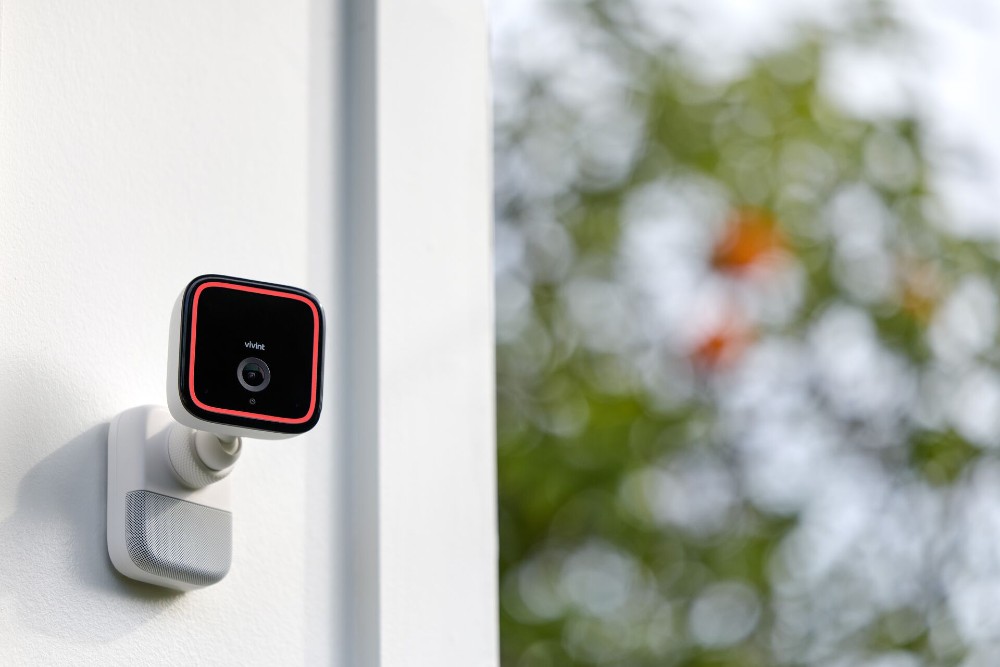
Do Vivint cameras work without Wi-Fi?
Yes, Vivint cameras continue to work without Wi-Fi. Local recording continues and Smart Deter™ keeps deterring threats using on-device AI. Plus, The Vivint Smart Hub maintains connection with the monitoring center via cellular backup.
Between your cameras still deterring without Wi-Fi and the Hub keeping you in touch with the monitoring center, Vivint always has you covered—even during a Wi-Fi outage.
Remote app access, live viewing, push notifications, and cloud access do require an internet connection. These features will be available once Wi-Fi is restored.
Works without Wi-Fi vs. requires Wi-Fi
| Works Without Wi-Fi | Requires Wi-Fi |
|---|---|
| Local recording | Live view of recordings via app |
| Smart Deter™ | Push notifications |
| Professional monitoring (cellular backup) | Remote playback |
| On-device AI detection | Cloud access |
What still works on a Vivint home security camera when Wi-Fi is down?
Vivint cameras are Wi-Fi enabled cameras that are either wired outdoor security cameras or indoor cameras. They are hybrid wired/wireless cameras and have a wide range of features. Features of your security cameras without Wi-Fi that will continue to work include:
Local video recording
Vivint home security cameras store recorded footage via local storage or remotely in cloud-based servers.
Local video recording means your recorded video footage is saved to storage located on the camera itself rather than relying on an internet connection to send footage to the cloud. For home security cameras, this is usually done via a microSD card in the camera. For larger camera systems, local storage might be a DVR or hard drive.
Vivint home security cameras also have local storage options. When your Wi-Fi isn’t working, your camera will continue to record locally.
Vivint Smart Deter™
Vivint Smart Deter will also continue working even when Wi-Fi is down.
Smart Deter is an AI-powered feature on the Doorbell Camera Pro and Vivint Outdoor Camera Pro that proactively monitors for and identifies specific behaviors—such as someone lingering on your property or approaching your car or a package on your doorstep— via AI-detection and automatically responds in real time with sound and lighting that helps deter the criminal activity.
Smart Deter™ operates locally on the camera—no Wi-Fi needed—so an internet interruption won’t affect its ability to continue working.
Professional alarm monitoring
*What is cellular backup?* The Vivint Smart Hub Pro has built-in cellular backup so that communication with the professional monitoring center isn’t interrupted during a Wi-Fi outage. Your system automatically reconnects when Wi-Fi is restored.
Vivint home security systems also feature cellular backup that utilizes your cellular network and cellular data plan, helping ensure your home continues to be protected around the clock even when your Wi-Fi is interrupted. If an alarm is triggered when Wi-Fi is down, the professional monitoring center will still be notified.
What stops working without Wi-Fi?
While your Vivint system continues to operate key security features during an outage, features that depend on a reliable internet connection will be temporarily unavailable.
Until your Wi-Fi connection is restored, you may lose access to:
- Remote app live view: You won't be able to remotely stream live camera footage through the Vivint app.
- Camera push notifications: Push notifications to your phone (such as “package detected” or “Motion detected”) will not be sent to your Vivint app during an outage.
- Remote video playback: You won't be able to remotely access locally stored recordings until the system reconnects.
Once your internet connection is restored and your cameras reconnect, those online features should become available again.
Download our home security camera guide.
Indoor, outdoor, doorbell—we’ve got them all. Learn how security cameras can protect your home and family with this free guide.
How does Vivint handle Wi-Fi outages?
Connected smart home devices rely on Wi-Fi to operate properly. So what happens to your devices during an outage?
Vivint uses a hybrid approach to connectivity, combining Wi-Fi cameras with wired cameras rather than relying exclusively on your home's internet connection for security.
Vivint cameras connect to the Smart Hub's 2.4 GHz SSID, while the Smart Hub in turn connects to your home's Wi-Fi network.
This hybrid wired/wireless setup helps different parts of the system continue performing their own functions even if your home internet connection is interrupted.
For example,
- Wi-Fi supports features such as remote camera access, notifications, and connected app functionality.
- Local camera recording means non-Wi-Fi security cameras continue recording footage
- Cellular backup helps maintain the system’s connection to professional monitoring
- Vivint Playback makes recorded footage available for remote viewing again once the connection is restored.
Rather than relying solely on Wi-Fi to protect your home and keep your security cameras functioning, VIvint uses multiple forms of connectivity to help protect your home in a Wi-Fi outage.
Related article
Do Security Cameras Work with Smart Home Systems?
Wi-Fi outage vs. power outage: What's the difference?
A Wi-Fi outage and a power outage are two completely different scenarios.
With a Wi-Fi outage, only your Wi-Fi is interrupted. You still have power (either solar powered or electricity from your utility company depending on your power source) that operates your appliances, smart home devices, lights, and so forth.
With a power outage, anything that requires electricity to operate will not work until power is restored.
For your Vivint system, anything that is hardwired or does not have battery back-up will be affected by a power outage. In the event of a power outage, that might mean the following:
- Vivint Smart Hub: Battery backup means your Smart Hub will continue to operate as long as there is battery life
- Professional alarm monitoring: Cellular backup and the Smart Hub's battery help maintain your system's connection to monitoring.
- Vivint home security cameras: Because Vivint’s cameras are hardwired (or plugged in, for the Indoor Camera,) your cameras generally stop operating if their power source is unavailable.
- Local recording: Recording on your camera stops if the camera itself loses power.
- Vivint app camera features: Camera features won't be available if the cameras themselves are offline. While there are security cameras that work without Wi-Fi, hardwired cameras will need a power source.
While losing Wi-Fi doesn’t necessarily mean you’ll lose the camera’s functions, losing power can have a greater impact on your cameras’ functionality. It won’t, however, impact your connection to the monitoring center.
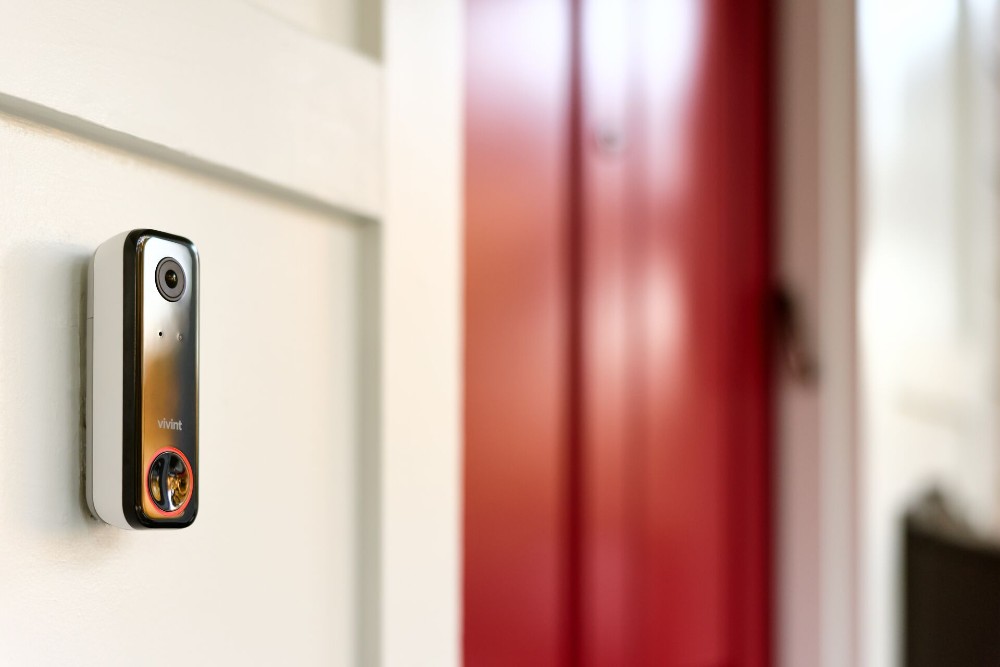
Vivint security cameras vs. no-Wi-Fi security cameras
Vivint home security cameras come with a wide range of features, some that require Wi-Fi and some that simply require power. Features of Vivint security cameras include:
- AI-powered Smart Deter™ for proactive protection, as well as RADAR protection for vehicles
- 4k resolution for ultra sharp, clear picture
- Night vision
- Motion detection
- Remote access via mobile app and Vivint Smart Hub
- 180°x180° field of view (the tallest and widest of any doorbell camera)
- Two-way talk and one-touch callout (Vivint Indoor Camera Pro)
For an ecosystem of cameras, Vivint customers also have the option of Vivint Playback, which allows you to store up to 10 days of continuous recording for up to 12 cameras.
No-Wi-Fi security cameras
If you don’t have reliable Wi-Fi connection, or you’re looking for basic or no wi-fi cameras, you have options. These might include:
- Cellular security cameras work without Wi-Fi, connecting to cellular data instead of your home’s Wi-Fi. This is helpful in areas that don’t have a reliable internet connection. Some models require a SIM card and a data plan.
- DVR and NVR security systems save camera footage to a local recorder or hard drive. They typically don't need an internet connection to record.
- SD card security cameras are local storage-only cameras store footage on SD cards, typically 32gb sd card or a 64gb sd card, if more storage is needed.
Deciding which is right for you depends on the location of your camera, your internet connectivity, and whether or not you want to access your camera feeds remotely.
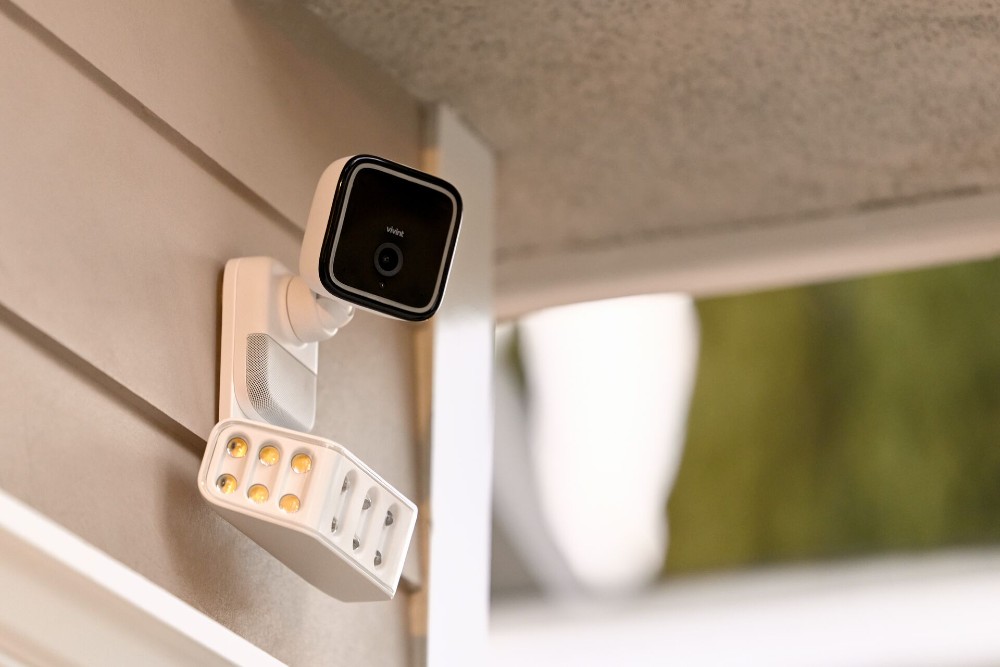
Stay protected, even when your Wi-Fi goes out
A temporary internet outage shouldn’t make your home vulnerable. Vivint home security cameras are designed to make sure specific security functions continue to work, even when Wi-Fi is unavailable, while cellular backup helps keep your professionally monitored security system connected.
When Wi-Fi is available, you also enjoy the convenience of viewing your camera feeds remotely, receiving real-time alerts on the Vivint app, and connected smart home features. Together, these layers provide a home security system designed to keep working even when internet is down.
Ready to protect your home with smarter security cameras? Getting started with Vivint is easy. Get a free quote today.
Related article
The Ultimate Guide to Outdoor Cameras
FAQs
Every Vivint camera has features that work independently of Wi-Fi.
Do Vivint cameras work without Wi-Fi?
Yes. Vivint cameras continue local recording and Smart Deter™ (on the OUtdoor Camera Pro and Doorbell Camera Pro) if your Wi-Fi or internet connection goes down. Cameras can continue recording video locally, and on-device features such as Vivint Smart Deter™ can continue working without Wi-Fi.
Features that require an internet connection (including remote live viewing, app notifications, and some Vivint app functionality) may be temporarily unavailable until your internet connection is restored.
Will my Vivint cameras record if the internet goes down?
Yes. Vivint cameras with continuous video recording can continue recording footage locally during an internet outage. Instead of relying on the cloud, footage is stored directly on the cameras using built-in storage.
Once your internet connection is restored, you can access the locally recorded footage remotely again through the Vivint app.
Can I view Vivint camera footage on the Vivint app without Wi-Fi?
No, if you want to view your camera footage remotely via the Vivint app, you will need an internet connection. If your home's Wi-Fi goes down, features such as viewing live footage, video playback, and camera notifications are unavailable in the Vivint app.
Your compatible cameras can continue recording footage locally during the outage, so you can review recorded video after your internet connection is restored.
Does Vivint have cellular backup?
Yes. The Vivint Smart Hub includes cellular backup to help keep your professionally-monitored security system connected if your home's Wi-Fi goes down.
Cellular backup helps ensure the Smart Hub stays connected to Vivint's 24/7 professional monitoring services.
How long does the Vivint Smart Hub battery last during a power outage?
The Vivint Smart Hub Pro 2 has a backup battery designed to provide approximately 24 hours of power during an outage. Combined with cellular backup, this helps your security system maintain a connection to professional monitoring when your home's power or internet service is interrupted.
Does Vivint Smart Deter™ work without Wi-Fi?
Yes. Vivint Smart Deter™ continues to detect and deter potential threats even if your Wi-Fi connection is interrupted. Smart Deter™’s AI functionality happens on the camera rather than relying solely on the internet.
During a Wi-Fi outage, compatible cameras continue using Smart Deter™ features to help deter unwanted behavior. Remote features, including app notifications and live viewing from your phone, require an internet connection.
Get a free quote today.
A Vivint Smart Home Pro will contact you within 24 hours. Or skip the form and call now: 844.481.8630.
Everything works together
Combine products
for a safer home
You may also like:
Security Cameras
What Can You Do From a Security Camera App?
Oct. 06, 2026
Security Cameras
How Many Home Security Cameras Do I Need?
How many security cameras you need often comes down to having enough cameras to effectively cover the most vulnerable and important areas of your home.
Sep. 22, 2026
Security Cameras
How to Choose a Home Security Camera (Complete Decision Guide)
Discover key features to consider when selecting the ideal outdoor security camera, ensuring safety and effectiveness for your needs.
Aug. 04, 2026
Related content
-
How Do Wireless Security Cameras Work?
Wireless home security cameras work by transmitting the camera’s video through a radio (RF) transmitter. Here’s how they work.
-
Security Cameras Without Subscriptions: Are They Worth It?
Are security cameras without subscription fees worth it? Learn about local storage, pros and cons, and why professional monitoring may save money.
-
Do Security Cameras Work Without Wi-Fi? Wired and Cellular Options...
Find out how security cameras work without Wi-Fi, including wired, cellular, and local storage options.


