
Set up an aging parent's home from yours: the smart locks, cameras, sensors, and alert pendant that let you help without hovering.
Five Factors to Consider When Comparing Home Security Providers
Key takeaways
- Cost and contract terms. Know what you’ll pay upfront and each month, and whether the contract terms are flexible.
- Essential equipment and smart technology. Look for high-quality sensors, cameras, and smart devices that are durable and easy to use.
- Connectivity and reliability. Choose systems with backup power and secure connections that stay online during outages.
- Smart home integration. Your system should work with devices like thermostats, locks, and voice assistants right out of the box.
- Monitoring and support. Whether you want professional or self-monitoring, make sure 24/7 support and fast response are available.
Choosing the right provider in a home security systems comparison isn’t just about preventing a burglary. For many homeowners, it’s about creating a safer, smarter living space that brings peace of mind every day. The best systems do more than guard against a burglar — they integrate with your home, respond quickly during emergencies, and work effortlessly with your devices.
Whether you're setting up your first smart home or expanding an existing Vivint smart home, understanding what to look for can help you avoid hidden fees, unreliable hardware, or complicated setups. The best systems balance affordability, automation, and long-term value. They offer the kind of protection that fits seamlessly into your daily routine.
Today, we’ll break down the five most important points: pricing, equipment quality, reliability, smart home integration, and support. We’ll also show you what to expect from the best home security system and how to recognize it when you see it.
1. Cost, fees, and contract terms
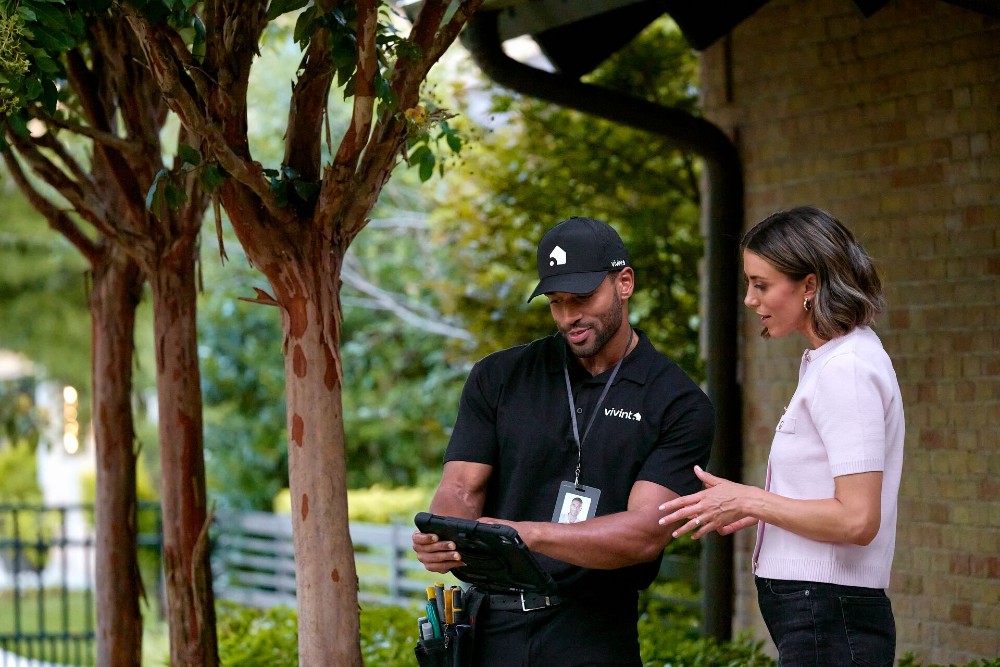
Pricing is one of the biggest factors in any home security system, and prices vary significantly. But to understand the whole picture, you need to break it down into three parts: equipment, installation, and monthly service. Each piece affects how much you’ll pay up front and what kind of value you’ll get long term.
- Equipment costs. Most smart security systems include a control panel, sensors, motion detectors, and cameras. Some providers offer bundled packages, while others let you customize. Many homeowners opt to finance equipment over time, which spreads out the upfront investment and makes a professionally installed system more accessible.
- Installation fees. Some security companies charge for setup, while others include it with the system. Professional installation ensures every device is tested, connected, and mounted correctly.
- Monitoring fees. Ongoing costs typically include a monthly monitoring fee that covers 24/7 surveillance, mobile app access, and cloud storage. Plans vary, depending on features. Ask what’s included, and make sure there are no hidden fees tied to device limits, video uploads, or cellular backups.
- Contract terms. Some providers offer no-contract plans that allow you to cancel or change service anytime. Others require long-term agreements but might include benefits like equipment financing or lower startup costs. Either way, it’s essential to ask the right questions so you know what you’re signing up for.
Be sure to ask:
- Are there charges for activation or cancellation?
- Can I move the system to a new home?
- What’s the difference between no-contract and long-term home security systems?
- Is financing available if I don’t want to pay everything up front?
Here’s a quick reference to help you compare options:
| Cost Comparison Checklist | |
|---|---|
| Cost factor | What to look for |
| Equipment costs | In your budget or with optional financing |
| Monitoring fee | Transparent pricing with all features clearly included |
| Installation | Professional installation options |
| Contract terms | Flexible choices with no surprises |
| Hidden fees | None—everything is disclosed before you buy |
For premium support, a smooth setup, and smart features that just work, a professionally installed system with a clear monitoring plan offers the best long-term value.
2. Essential equipment, cameras, and smart technology
A smart security system is only as strong as the equipment it’s designed around. Each base station, security camera, sensor, and every other component plays a specific role in keeping your home protected. Look for high-quality gear, dependable connectivity, and smart design so that your system is both effective and easy to use.
Core system components
Every alarm system starts with a set of core devices. These are the building blocks that detect, alert, and respond to potential threats.
A quality home security system will have a strong foundation of features:
- Base station and control panel. The base station serves as the central hub, managing signals between your devices and the monitoring center. A control panel, often touchscreen-enabled, lets you manage settings and status from one location. Together, they form the brain of your system.
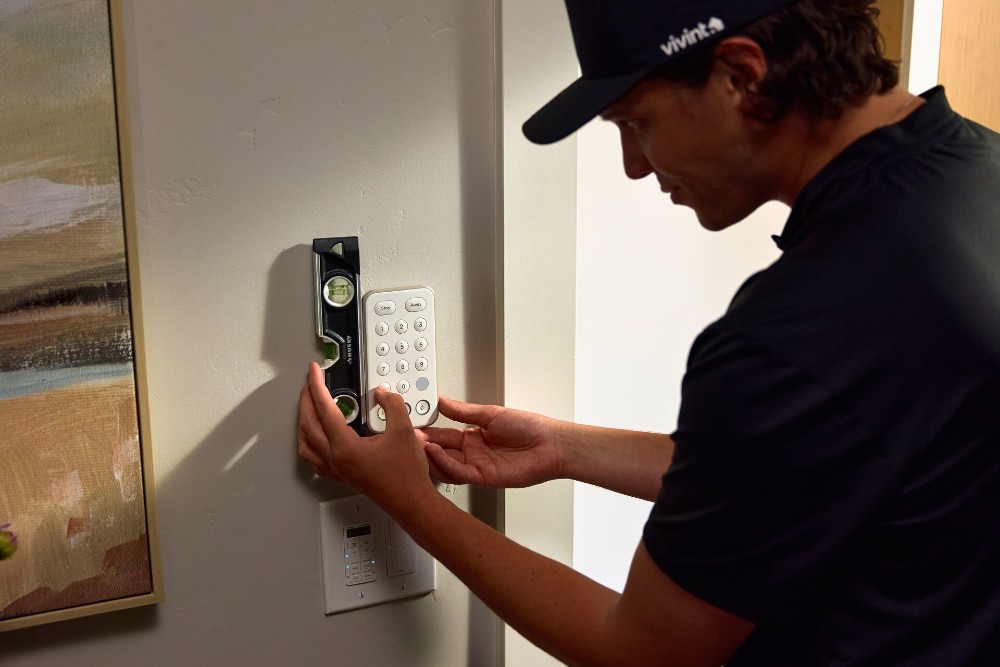
- Keypads and key fobs. A wall-mounted keypad or handheld key fob makes it easy to disarm or arm the system without opening an app. These options are great for families or visitors who need quick access.
- Motion sensors and detectors. Interior motion sensors and motion detectors monitor large areas and alert you to movement when the system is armed. Modern versions are smart enough to reduce false alarms from pets or HVAC systems.
- Door and window sensors. These entry sensors include both door sensors and window sensors (small devices that trigger an alert if a point of entry is opened). They're a must-have for protecting access points and preventing burglary attempts.
- Touchscreens and system controls. Many professionally installed systems include touchscreens that let you control your alarm, view camera feeds, and manage smart home devices in one place. Whether through the panel, keypad, or app, system controls should be intuitive and responsive.
- Power and connectivity features. Reliability matters. Look for systems with battery backup and cellular backup to stay online during outages or Wi-Fi failures. Strong device specs and long-lasting hardware add peace of mind that your system will perform when you need it most.
Quick checklist: What to look for in core devices
Ask these questions while considering your options:
- Does the base station offer battery and cellular backup?
- Are the sensors durable and tamper-resistant?
- Is the control panel easy to use with clear touchscreen access?
- Can you arm or disarm the alarm system quickly via keypad, app, or key fob?
Cameras and video surveillance
No smart security system is complete without cameras. Whether monitoring your front door or keeping an eye on the living room, modern cameras give you visibility and control from anywhere.
Quality video surveillance goes beyond just security cameras:
- Indoor and outdoor options. A high-quality indoor camera offers HD clarity, wide-angle coverage, and mobile access to live footage.
- Outdoor cameras should include weatherproof housing, night vision, and strong connectivity to handle changing conditions.
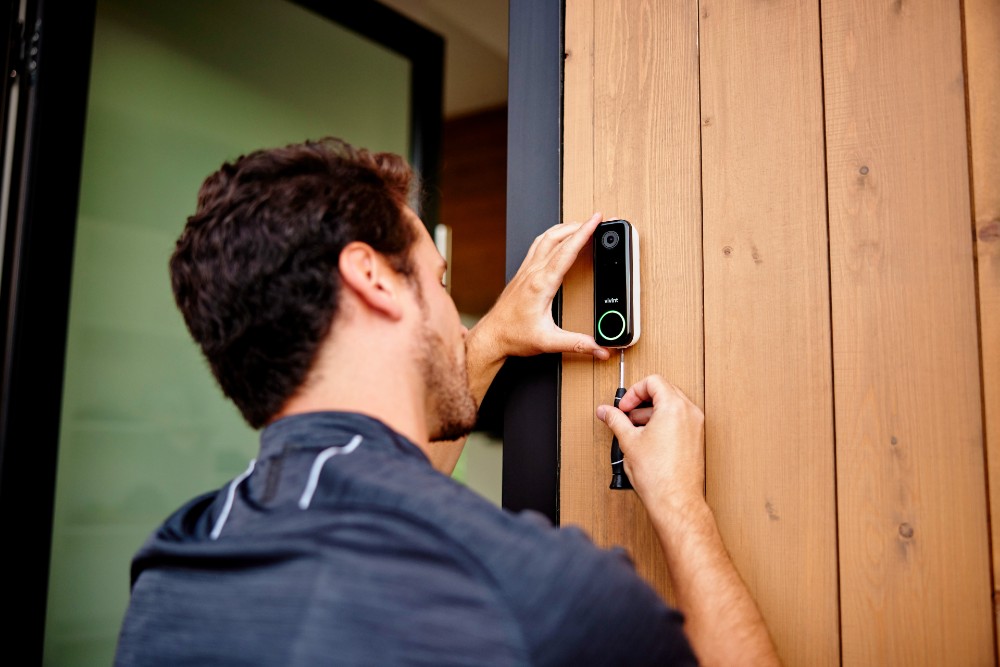
- Video doorbells. A doorbell camera lets you see and speak with visitors before opening the door. Many video doorbells also feature motion detection, alerting you when someone approaches—even if they don’t ring.
- Camera quality benchmarks. Look for a security camera with at least 1080p resolution and a wide field of view. Check mobile app ratings, too— ideally four stars or higher—since a reliable app makes all the difference when accessing footage remotely.
- Storage options. Video footage can be stored in the cloud or locally on a hub or SD card. Cloud storage is convenient and secure, but it is often tied to a monthly fee. Local storage gives you more control, though it may be harder to access remotely.
- Specialized sensors. In addition to motion alerts, some cameras work with glass break sensors to detect the distinct sound of breaking windows, adding another layer of smart protection. These types of add-ons can add a significant level of security.
Quick checklist: What to look for in security cameras
These questions can help guide you to the security camera setup that’s right for you:
- Is the camera indoor, outdoor, or doorbell-specific?
- Does it offer HD resolution (1080p or higher) and night vision?
- How does it handle motion detection and alerts?
- What’s the app rating? And how easy is remote viewing?
- Does it support cloud storage, local storage, or both?
Finding the best app ratings for security cameras often points to systems with reliable video quality, seamless mobile integration, and features that actually work when you need them. At the very least, they have features that are working for real people.
Related article
Are Doorbell Cameras Worth It?
3. Connectivity, installation, and system reliability
Even the most advanced security system can fall short if it’s not consistently reliable. Connection strength, power continuity, and installation quality all play a role in whether your system works when it matters most. A smart home setup is only effective if every device stays online and fully functional with minimal effort from you.
Wi-Fi and router compatibility
Most modern systems rely on your home’s Wi-Fi network to transmit data and alerts. A strong, stable connection is crucial for quick notifications and access to live video feeds. Make sure your router is placed as centrally as possible and has enough bandwidth to support your devices, especially if you have cameras streaming in HD.
Power outage protection
During a storm or blackout, your system shouldn’t go offline. Look for models with both battery backup and cellular backup. Battery power keeps your system running even if electricity is cut, while cellular service maintains a secure connection to the monitoring center if your Wi-Fi goes down.
System specs and durability
Strong specs make a difference in the day-to-day performance of your security system. Devices should be able to handle temperature changes, signal interference, and heavy use without losing connection or accuracy. This is especially important for homes in climates with drastic temperature changes throughout the year or larger spaces that need a long signal.
Professional installation
While some systems offer DIY options, professionally installed systems perform better in the long term. Experienced technicians test connectivity, place sensors in ideal locations, and check that everything is smoothly integrated with your network. Plus, a professional installation often includes support in the event of technical issues, giving you peace of mind from the start.
Quick checklist: What to ask about specs and setup
Here are some ways to get informed about the security system you’re considering:
- Is the system compatible with your existing Wi-Fi and router?
- Does it include battery backup and cellular backup for outages?
- Are device specs clearly listed and built for extreme temperatures, humidity, or wireless interference?
- Is professional installation included or recommended?
For many households, the need for professional installation comes down to confidence: knowing your system is expertly installed, securely connected, and ready to protect, even if the power goes out.
4. Smart home integration and features
A modern security system should do more than sound an alarm — it should fit seamlessly into your connected lifestyle. Smart home integration gives you greater control, convenience, and automation by linking your security devices with other smart technologies you already use.
Voice assistant compatibility
Many smart security systems connect with platforms like Alexa, Google Assistant, and Apple HomeKit, allowing you to arm your system, lock doors, or check camera feeds using voice commands. If your home already uses Google Home, Amazon Alexa, or Apple devices, make sure your security system integrates smoothly.
Smart device connectivity
Look for compatibility with essential smart home products like:
- Smart thermostats. These let you control your home’s temperature remotely and can save you energy with set schedules. Great for when you’re at work or on vacation.
- Smart locks. You can lock and unlock doors from your phone and set custom codes for family or guests.
- Garage door controllers. These allow you to open or close your garage from anywhere and check its status in real time. Never worry about whether you closed the garage again.
- Doorbell cameras and video doorbells. These devices let you see and talk to visitors remotely, often with HD video and two-way audio.
- Smart plugs. These help automate lights or appliances, adding convenience and energy efficiency to your routines.
These connections allow your system to respond automatically — like locking doors when the system is armed or turning on lights when motion is detected. That’s the convenience of real home automation.
Platform and protocol support
Check whether the system uses common smart home protocols like Z-Wave, and whether it works seamlessly with platforms you might use, like Google Nest or Apple HomeKit. A flexible system will support a range of devices and brands, not just its own.
Ease of integration
Setup should be seamless — ideally plug-and-play. A good provider will clearly list supported devices and walk you through connecting them, either via app or during a professional installation.
Quick checklist: What to ask about smart home compatibility
It’s important to know which smart devices you have (or plan to have) and their capabilities before committing to a new security system:
- Voice assistant support. Does it work with Alexa, Google Assistant, or Apple HomeKit?
- Device control. Can you manage your locks, thermostats, garage door, and cameras through one app?
- Platform flexibility. Does it support open standards like Z-Wave for broader compatibility?
- Set-up process. Is smart home integration included from the start or offered as an add-on?
The best home security systems make setup simple, support a wide range of smart home features and offer the tools to keep your home connected and secure without extra complexity.
Related article
Can a Smart Thermostat Save You Money?
5. Monitoring services, support, & customer experience
A smart security system is only as effective as its monitoring. Whether you choose self-monitoring or a professional monitoring plan, it’s essential to understand how support works in real emergencies — and what kind of experience you can expect day to day.
Self-monitoring vs. professional monitoring
With self-monitoring, you receive notifications through a mobile app and decide how to respond when an alert is triggered. It offers flexibility and may cut costs, but it also puts full responsibility on you, which can be stressful during a break-in or power outage.
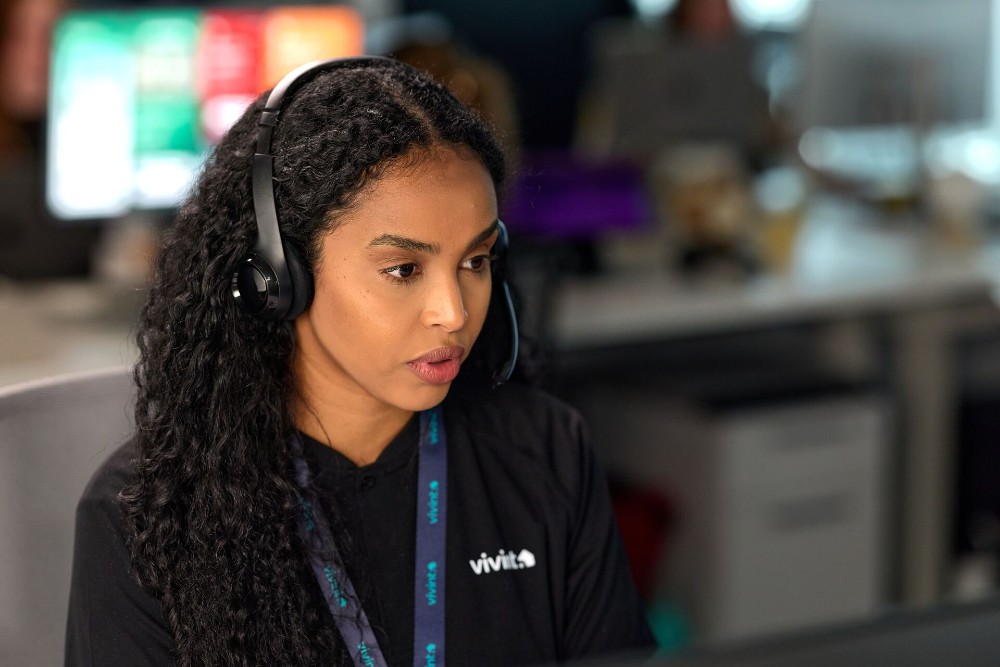
In contrast, professional monitoring connects your system to a monitoring center staffed 24/7. If your alarm goes off, trained professionals assess the threat and contact emergency responders if needed. It adds a layer of protection that’s especially valuable when you’re away or unable to respond in real time.
What to look for in a monitoring service
Not all monitoring options are equal. Evaluate these features when comparing systems:
- Monitoring plans. Look for clarity in what’s included with each tier — such as video verification, smart home control, or environmental alerts.
- Monthly monitoring. Consider whether pricing stays consistent or increases after a promo period. A strong plan should balance affordability with reliability.
- Response time and reputation. Check if the provider has been recognized or awarded for customer satisfaction or innovation in home security. Third-party ratings can give insight into real-world performance and peace of mind.
Customer support experience
Reliable customer support can make or break your experience. If your system goes offline, a sensor stops responding, or you need help setting up a feature, fast and accessible service matters. Look for providers that offer:
- 24/7 live support, not just a chatbot
- Easy-to-reach phone or chat options
- Online help resources and troubleshooting guides
- Strong user reviews related to support and service quality
Quick checklist: What to ask about monitoring and support
Because monitoring is a core component of a home security system, consider the following:
- Access to support. Will you have 24/7 help from real humans?
- Monitoring quality. Does the monitoring center have a solid track record for response times?
- Plan transparency. Are different monitoring plans clearly explained?
- Recognition. Has the provider been awarded for customer service or innovation?
When comparing monitored systems, consider both the tech and the team behind it. If you’re searching for a home security company with the best customer service, prioritize systems that combine responsive support with a well-rated monitoring service, so you’re never left on your own when it counts.
How to choose the best home security for you
With so many features, devices, and providers to choose from, narrowing down your options can feel overwhelming. But it doesn't have to be. The best systems strike a balance between protection, convenience, and smart home compatibility all supported by a reliable monitoring service.
As you compare providers, look for systems that deliver clear and flexible pricing, high-quality equipment, dependable connectivity, smart home integration, and responsive support. That means choosing a setup with transparent costs, strong device specs, smart features like entry sensors and a key fob, and built-in safeguards such as battery backup and cellular backup. A reliable alarm system should work seamlessly with your existing smart home products and offer both self-monitoring and professional monitoring options — all backed by solid customer service and real-world reliability during emergencies like a break-in.
Quick checklist: Questions to help guide your decision
After you’ve done all the legwork, here are some final considerations to make before making your decision:
- Does the provider offer packages that work for renters as well as homeowners?
- Can the system grow with your needs, like adding a camera, smart lock, or extra entry sensors later on?
- Is the alarm system user-friendly, with clear controls and dependable alerts?
- Does the company offer flexible terms or a starter kit to help you get going without a high upfront cost?
It’s totally possible to find a home security system that actually fits your life. Start with the criteria above. A system that checks all five boxes will give you confidence today and room to grow tomorrow.
Vivint prides itself on meeting these expectations across the board, offering professionally installed systems that belong on any list of top picks for homeowners looking to build the best smart home possible.
| What to look for in a home security provider | |
|---|---|
| Factor | Ideal solution |
| Costs | Equipment costs, transparent monitoring plan pricing, and financing options |
| Installation | Professionally installed systems with expert setup and in-home support |
| Technology | High-quality devices with reliable specs, a responsive control panel, and durable materials |
| Monitoring | 24/7 monitoring service with fast response and flexible monitoring options |
| Smart home integration | Seamless smart home features with broad smart home integration with Google Assistant |
Related article
Cheap Home Security Systems vs. Smart Protection
Ready to choose a smarter, more secure home?
The best home security system is one that protects your home, works with your technology, and supports your lifestyle without added complexity. By focusing on cost, equipment quality, reliability, smart home integration, and monitoring, you can confidently narrow your options and choose a provider that delivers long-term value — not just short-term savings.
If you want a professionally installed system that combines advanced security features with seamless smart home integration, Vivint home security solutions are designed to meet those needs from day one. To see how a fully connected system can help protect what matters most, explore your options with Vivint. Give us a call at 855.822.1220 today.
Get a free quote today.
A Vivint Smart Home Pro will contact you within 24 hours. Or skip the form and call now: 844.481.8630.
Everything works together
Combine products
for a safer home
You may also like:
Home Security
Best Smart Home Devices for Elderly Parents: A Caregiver's Remote Setup
Oct. 02, 2026
Home Security
Smart Home for ADUs and In-Law Suites: Privacy, Access, and Security on Both Sides of the Door
Plan smart locks, cameras, alarms, and safety sensors for an accessory dwelling unit (ADU) or in-law suite without oversharing security.
Sep. 23, 2026
Home Security
How Do Smart Locks Work?
Learn how smart locks work, how they connect to your home, and how keyless entry, remote access, and smart home integration can improve convenience and security.
Sep. 15, 2026
Related content
-
Exploring the Different Types of Home Security Systems
Learn about the different types of home security systems to learn if a wired security system or wireless security system is better for your home.
-
AFFORDABLE HOME SECURITY SYSTEMS
Smart, affordable, and flexible—HomeProtect by Vivint is your entry point to smarter security. Compare options and explore key features.
-
Home Security Contracts vs. No-Contract Systems: What You Need To Know
No contract home security: compare monthly plans vs no-contract systems, costs, monitoring, and smart home setup to find your best fit.


